

Open-source Email & SMS marketing
you host yourself
Full control over data, ready-made integrations, AI for content creation, automation and webhooks. Set up in Docker in 5 minutes.
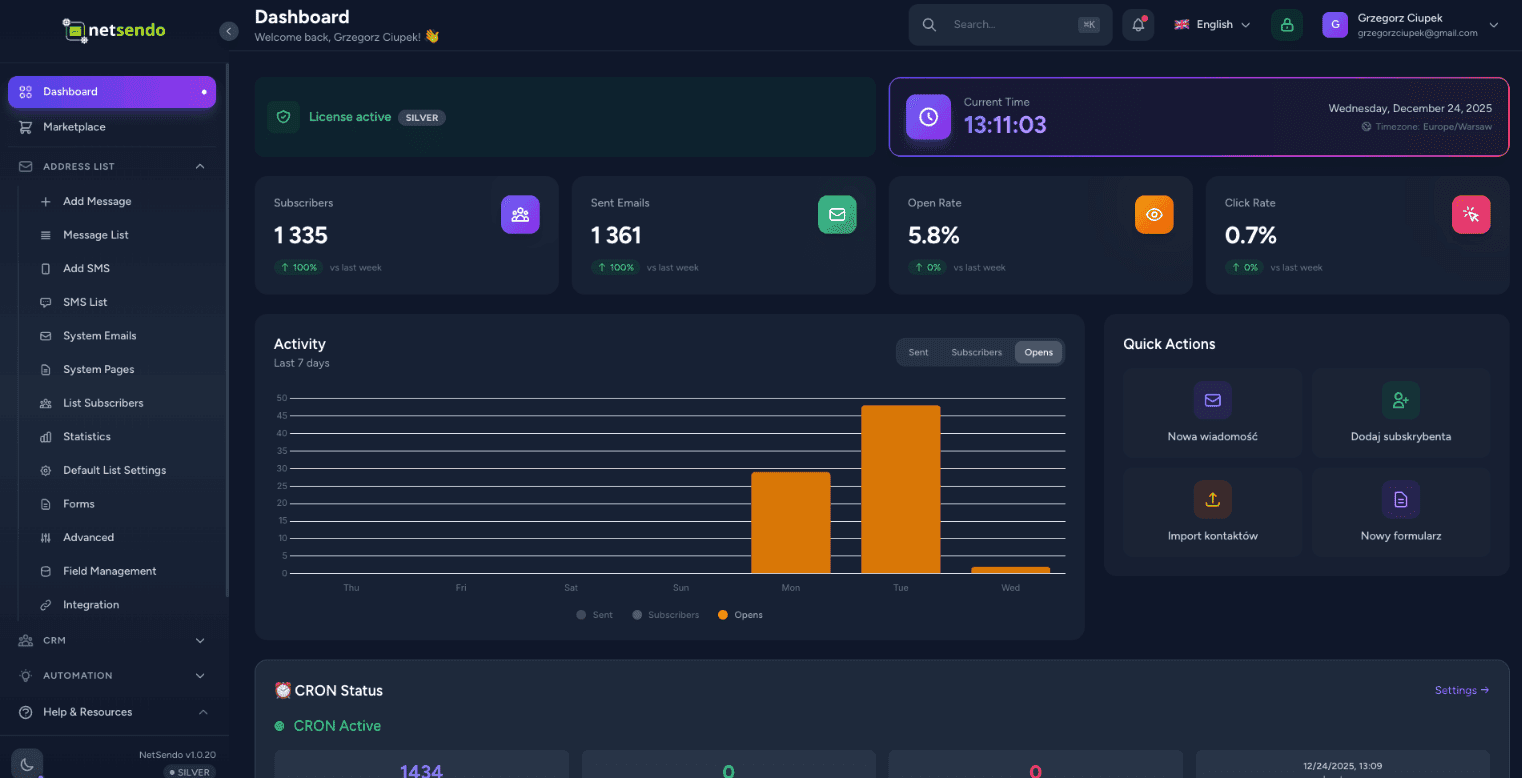
AI Campaign Architect
Strategic Email + SMS campaign planner that creates your plan, logic, and forecasts — before you send your first message.
Business context → Audience → AI Strategy → Forecast & Export
Message timeline, goals (education/sales/reminder) and IF/THEN logic
Industry benchmarks + sliders that calculate ROI in real-time
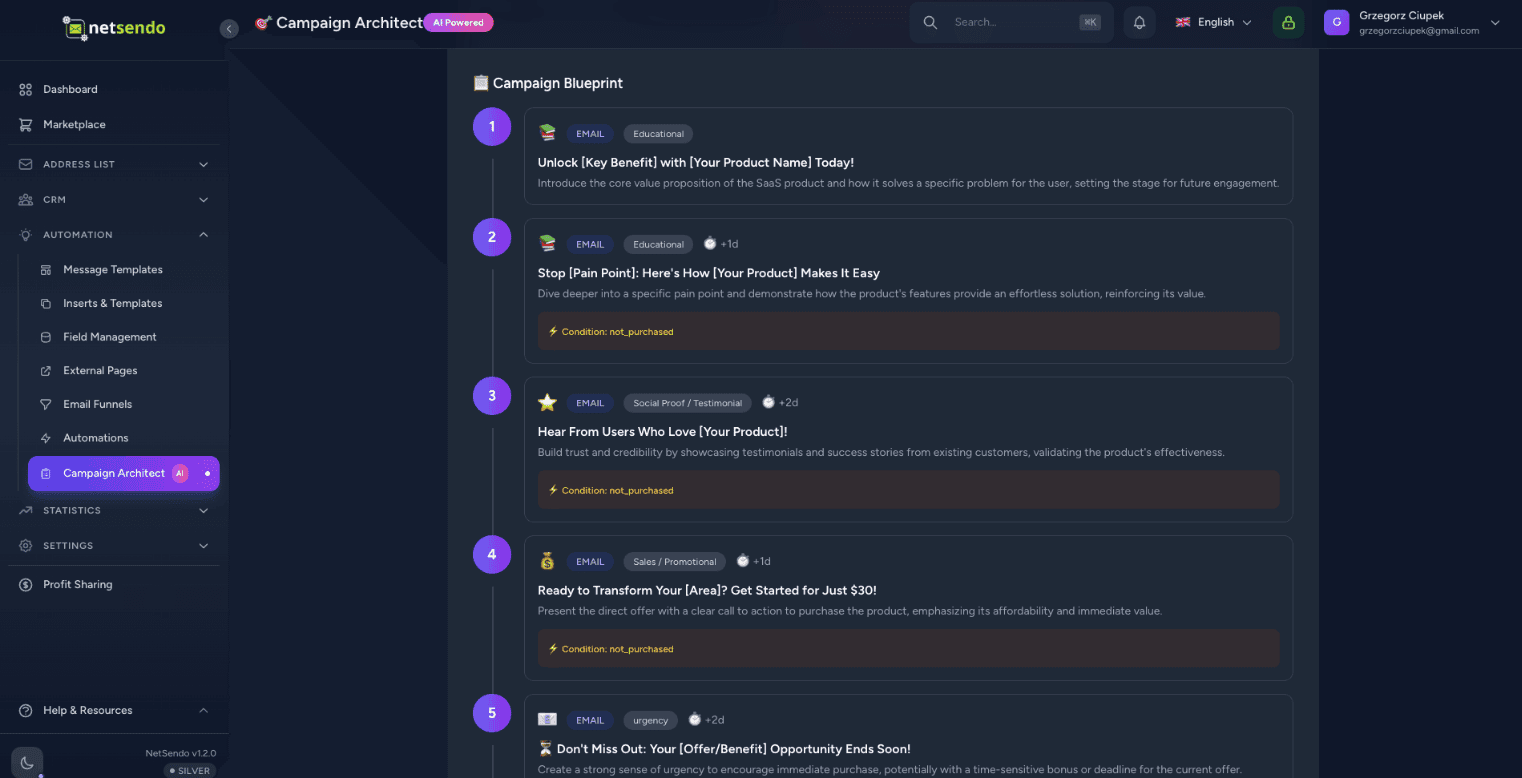
Why NetSendo?
Built for developers who want control, privacy, and flexibility without sacrificing modern features.
How it works
Deploy in Docker
Run docker compose up. NetSendo starts in seconds with Postgres and Redis included.
Add Mailbox
Connect your SMTP server, Gmail, or API provider like SendGrid/Mailgun.
Plan & Launch
Design campaign strategy in Campaign Architect, export to campaigns and launch.
Let AI write your
campaigns in seconds
Stop staring at a blank screen. Netsendo's AI assistant can generate engaging subject lines, write full email body content, and even take voice dictation to craft your message.
Multi-Model Support
Use OpenAI GPT-4o, Anthropic Claude 3.5, or Google Gemini. Your API key, your rules.
Voice Dictation
Just speak your ideas. The AI will transcribe and format them into a professional newsletter.
┌─────────────────┐      STDIO       ┌─────────────────┐
│  Claude/Cursor  │ ◄────────────► │   MCP Server    │
│   (AI Client)   │                 │  (Docker/npx)   │
└─────────────────┘                 └────────┬────────┘
                                             │
                                        HTTP/S
                                             │
                                    ┌────────▼────────┐
                                    │    NetSendo     │
                                    │  (Your inst.)   │
                                    └─────────────────┘
Supported AI Clients
Example query
"Show my mailing lists and add a new subscriber jan@example.com to Newsletter"
Manage NetSendo with
natural language
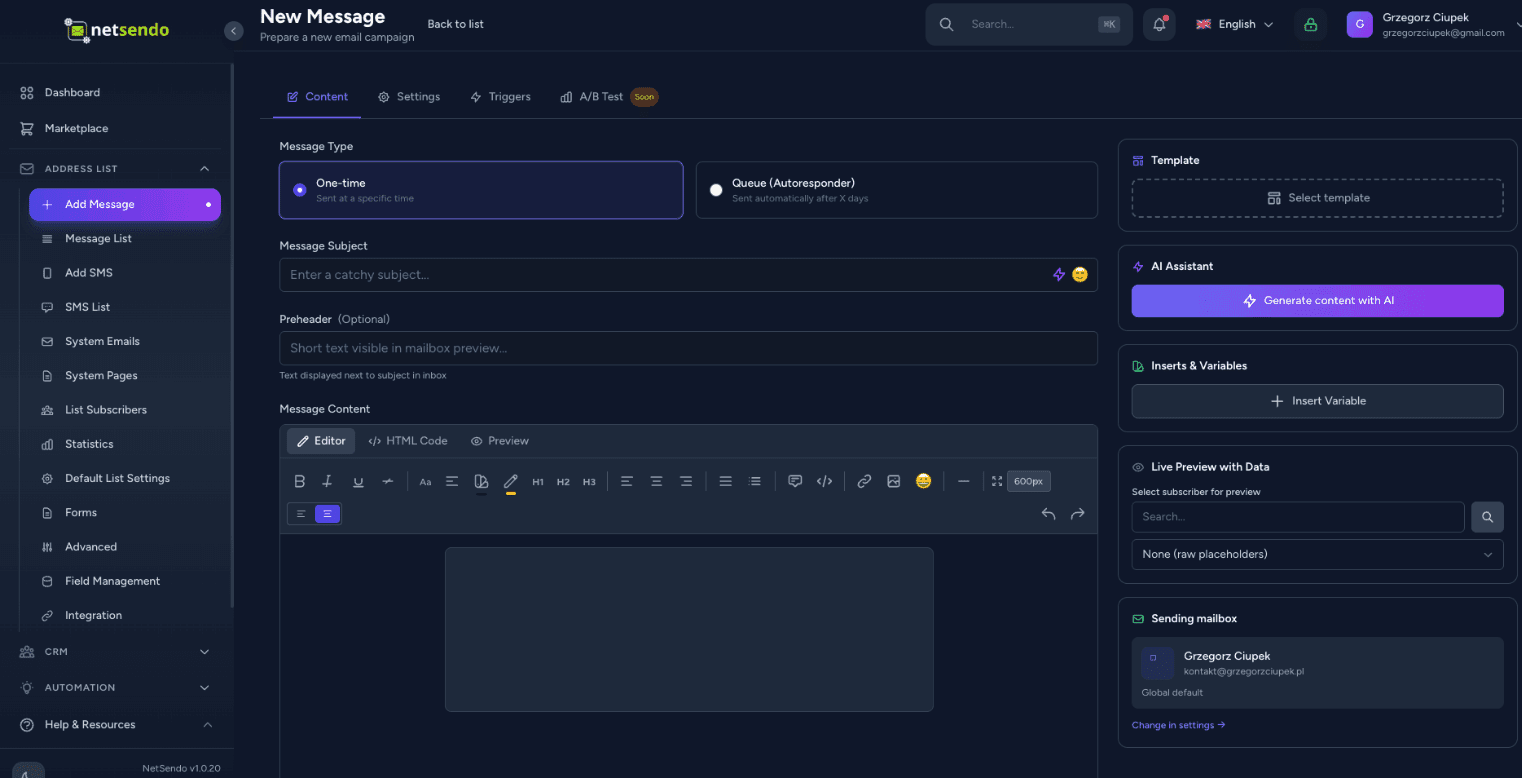
Connect Claude, Cursor, or VS Code to your NetSendo instance. Ask questions, manage subscribers, and send messages — all through conversation with AI.
Natural language
Ask 'How many subscribers do I have?' or 'Send an email to John'.
No code required
No need to know the API — AI handles it for you.
Real-time operations
Direct operations on your NetSendo instance.
Experience NetSendo Live
Don't just take our word for it. Log in to our live demo instance and explore the platform's capabilities firsthand.
This is a public demo instance. Data is reset every 24 hours.
Connect with your tools
NetSendo plays nicely with the tools you already use. Orchestrate workflows with n8n and connect any AI model.
Latest Updates
View all releases- Zoom Integration Enhancements:
- Granted Permissions Display: Added functionality to display actually granted permissions (scopes) in the Zoom settings after authorization.
- Connection Details: Zoom connection information now includes a list of granted scopes with helpful descriptions (e.g., "Create Meetings").
- Database Migration: Added granted_scopes column to user_zoom_connections table to store OAuth scopes.
- Lead Scoring - Default Contact Created Rule:
- Added missing contact_created event to default scoring rules (+5 points).
- Google Calendar Synchronization:
- Auto-Sync Safety Net: Implemented a new background process (calendar:sync-pending-tasks) running every minute to automatically detect and fix tasks that failed to sync with Google Calendar during creation.
- Ensures 100% reliability by acting as a "safety net" for tasks that have sync enabled but are missing their calendar event ID due to queue delays or errors.
- CRM Task Modal Enhancements:
- Auto-Select Contact: Automatically pre-selects the current contact when creating a task from the Contact Profile (Contacts/Show.vue).
- Required Contact: Made assigning a contact mandatory for all tasks, with frontend and backend validation to ensure data integrity.
- Zoom Integration Translations:
- Fixed missing translations for Zoom integration in Task Modal (crm.task.zoom.add_email, add_guest, attendees_hint) in PL and EN.
- Added missing Zoom attendees translations for German and Spanish locales.
- CRM Notification Classes:
- Fixed production errors in crm:check-overdue-tasks scheduled command caused by missing notification classes.
- Created TaskOverdueNotification.php - sends email and database notification when a CRM task becomes overdue.