

NetSendo Logo
v2.1.0- Perplexity API key test failed with max_tokens must be at least 16 ([#27](https://github.com/NetSendo/NetSendo/issues/27)): testing a Perplexity API key under NetSendo Brain → Settings → Internet Research always returned Perplexity API error: max_tokens must be at least 16, so a valid key could never be verified. WebResearchService::testPerplexity() sent a minimal probe request with max_tokens: 10, but Perplexity's API now enforces a floor of 16 for that parameter and rejects any lower value before the key is even checked. The probe now requests max_tokens: 16 (the documented minimum — the "OK" reply the test expects fits comfortably), so a valid key returns success and only genuinely invalid keys report an error. Only the connection-test path was affected; actual deepResearch() calls already used max_tokens: 4000 and worked normally.

Marketing por Email y SMS Open-source que alojas tú mismo

Control total de datos, integraciones listas, IA para crear contenido, automatización y webhooks. Instálalo en Docker en 5 minutos.

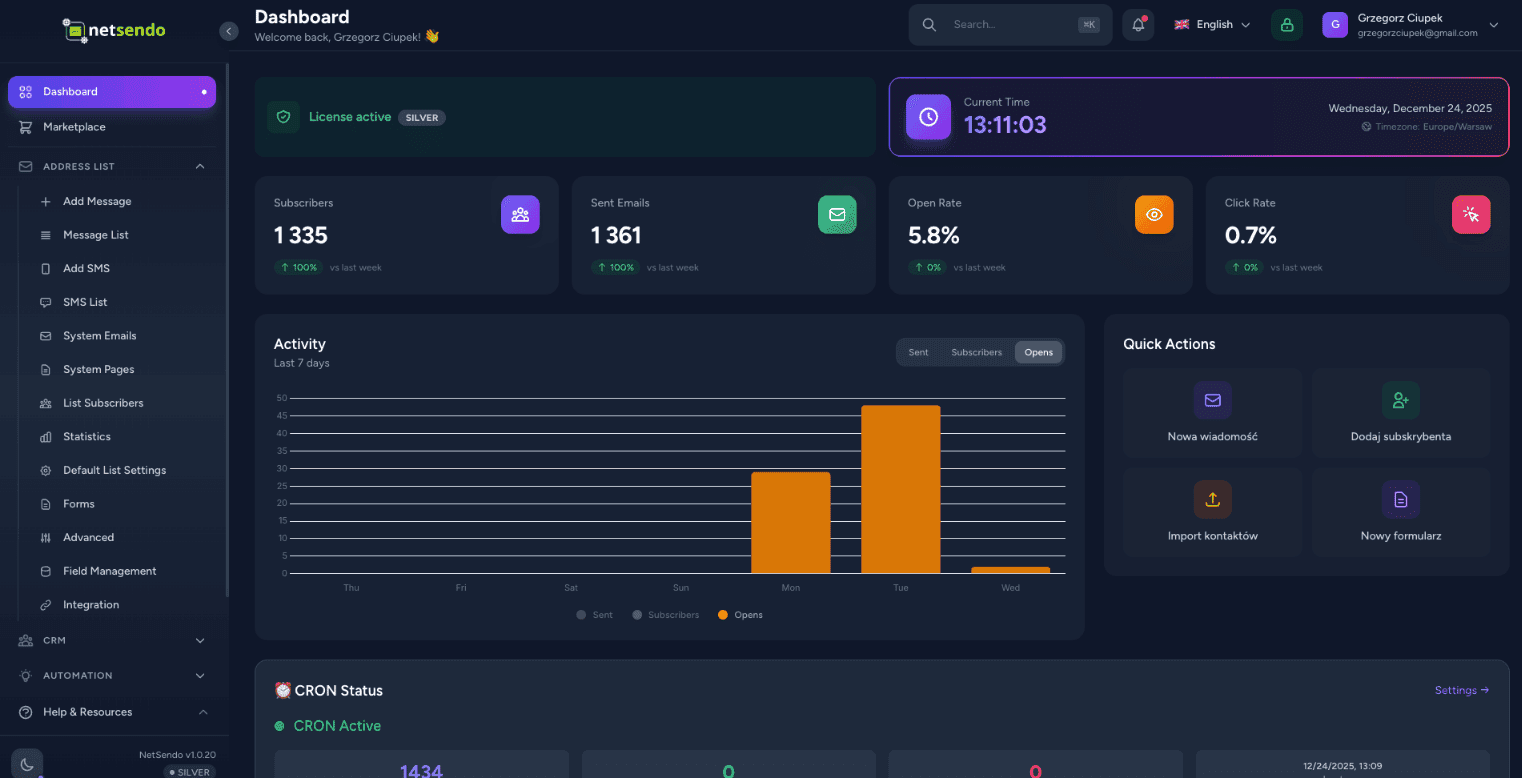
NetSendo Dashboard
NUEVO • Módulo IA

AI Campaign Architect

Planificador estratégico de campañas Email + SMS que crea tu plan, lógica y pronósticos — antes de enviar el primer mensaje.

Wizard de 4 pasos

Contexto de negocio → Audiencia → Estrategia IA → Pronóstico y Exportación

Blueprint de Campaña

Timeline de mensajes, objetivos (educación/ventas/recordatorio) y lógica IF/THEN

Pronóstico de ROI

Benchmarks de la industria + controles deslizantes para cálculo de ROI en tiempo real
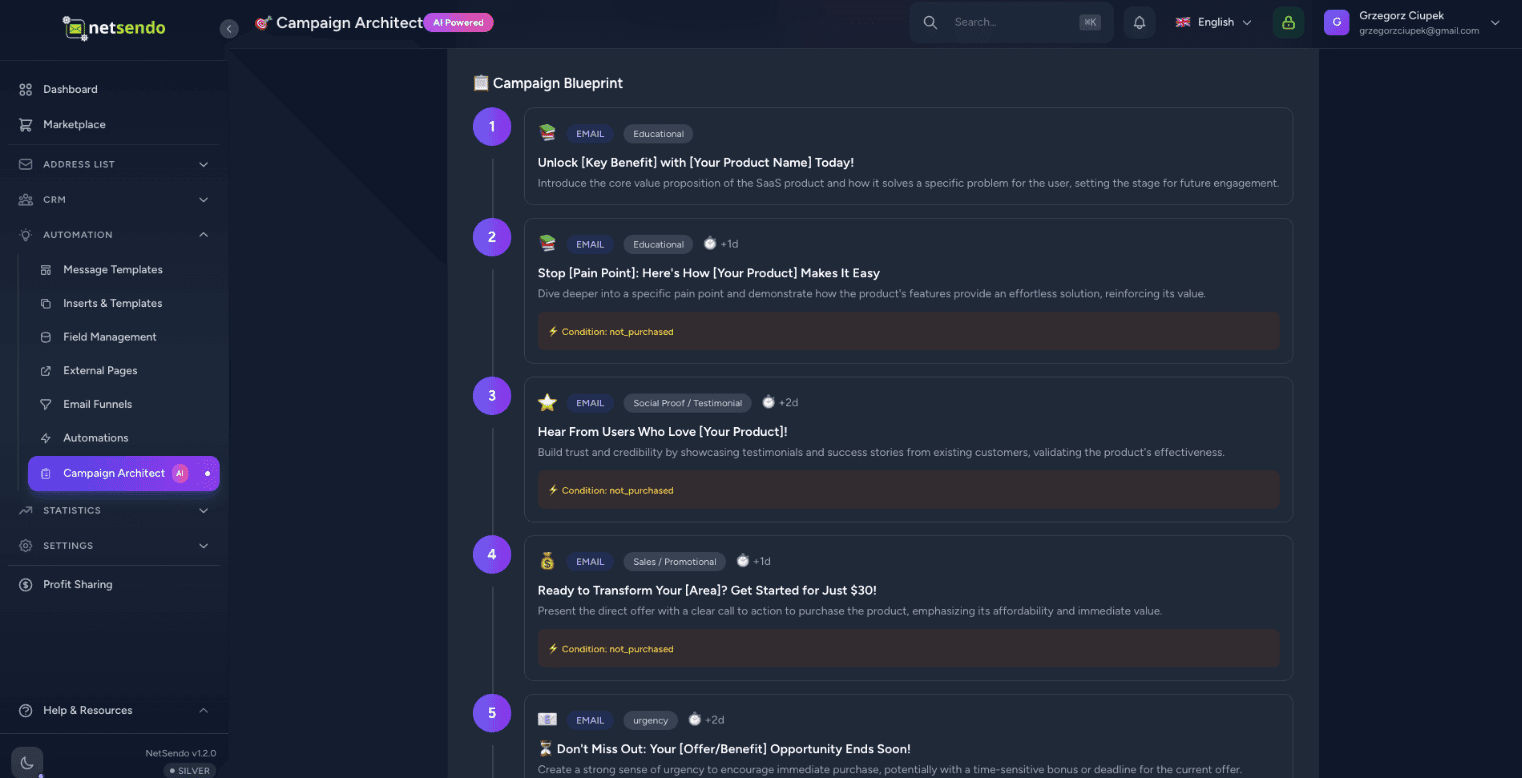
Cantidad recomendada de mensajes y canales (Email/SMS)
Programación y optimización de timing
Segmentación (leads vs clientes, activos vs inactivos)
Lógica de comportamiento (abierto / clic / comprado)
AI Campaign Architect Dashboard
Nuevas tablas: campaign_plans, campaign_plan_steps
Exportar: Borradores / Programados
12 idiomas para generación
Traducciones ES/EN

¿Por qué NetSendo?

Creado para desarrolladores que quieren control, privacidad y flexibilidad sin sacrificar funciones modernas.

Campaign Architect
Planificador estratégico con IA. Diseña flujos de campaña, segmentos, lógica IF/THEN y pronostica ROI.
Self-hosted / Docker
Mantén tus datos privados. Despliega en tus propios servidores con una configuración simple de Docker Compose.
Marketing por Email y SMS
Plataforma unificada para ambos canales. Envía campañas, boletines y mensajes transaccionales.
Asistente de IA
Genera asuntos y contenido de correo con IA. Soporta OpenAI, Anthropic y modelos locales.
Webhooks y API
Disparadores de eventos en tiempo real. Construye automatizaciones personalizadas con acceso total a la API.
Código Abierto
Desarrollo transparente, código fuente disponible. Funciones impulsadas por la comunidad con planes Silver y Gold.

Cómo funciona

01

Desplegar en Docker

Ejecuta docker compose up. NetSendo arranca en segundos con Postgres y Redis incluidos.

02

Añadir buzón

Conecta tu servidor SMTP, Gmail o proveedor de API como SendGrid/Mailgun.

03

Planificar y Lanzar

Diseña la estrategia de campaña en Campaign Architect, exporta y lanza.

Creación de contenido con IA

Deja que la IA escriba tus
campañas en segundos

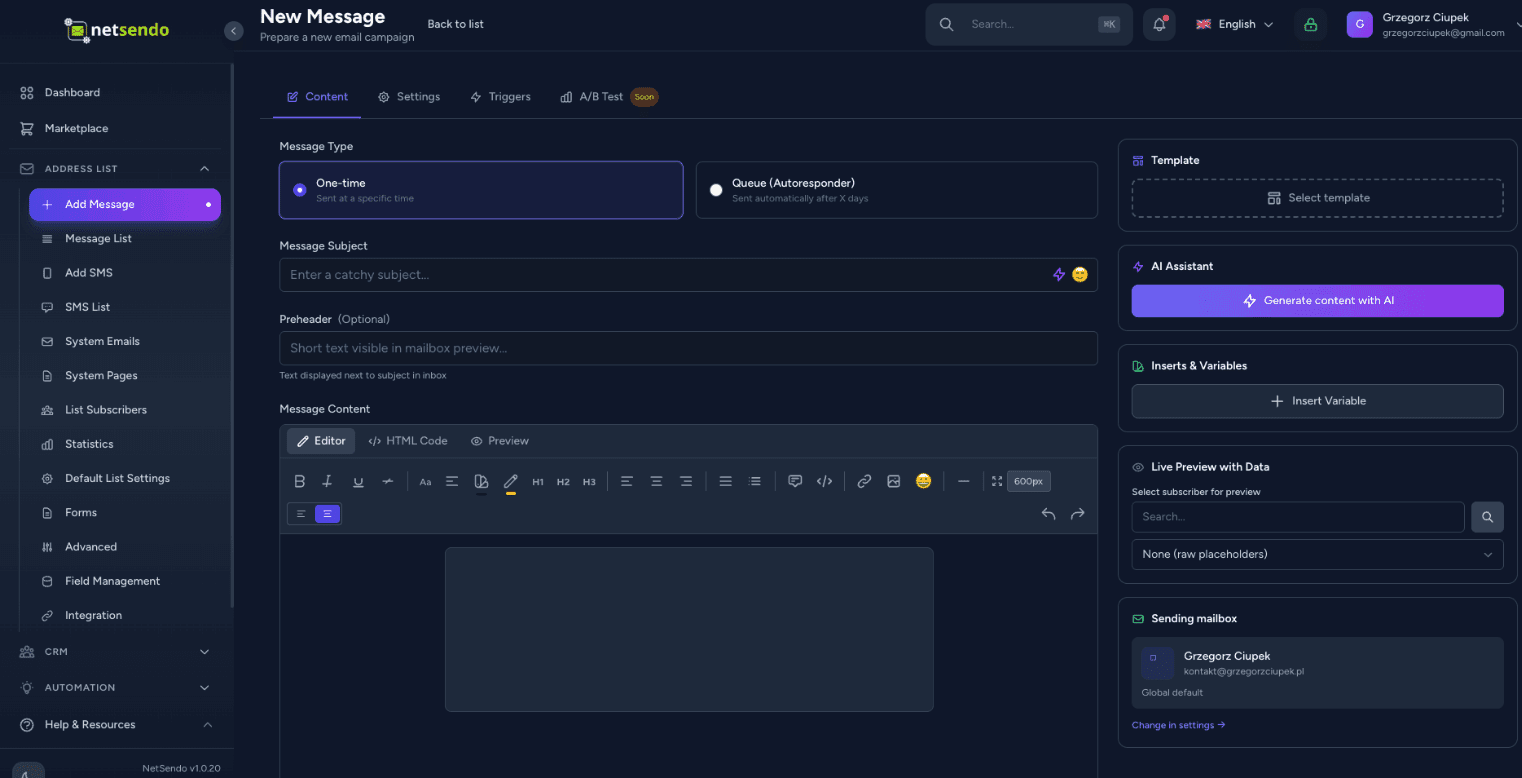
Deja de mirar una pantalla en blanco. El asistente de NetSendo puede generar asuntos atractivos y escribir el contenido completo.

Soporte Multi-Modelo

Usa OpenAI GPT-4o, Anthropic Claude 3.5 o Google Gemini. Tu clave API, tus reglas.

Dictado por voz

Simplemente dicta tus ideas. La IA las transcribirá y formateará en un boletín profesional.
AI Content Creation
┌─────────────────┐      STDIO       ┌─────────────────┐
│  Claude/Cursor  │ ◄────────────► │   MCP Server    │
│   (AI Client)   │                 │  (Docker/npx)   │
└─────────────────┘                 └────────┬────────┘
                                             │
                                        HTTP/S
                                             │
                                    ┌────────▼────────┐
                                    │    NetSendo     │
                                    │  (Your inst.)   │
                                    └─────────────────┘

Clientes de IA compatibles

🤖Claude Desktop
💻Cursor IDE
📝VS Code

Consulta de ejemplo

"Muestra mis listas de correo y añade un nuevo suscriptor jan@example.com al Newsletter"

Integración de Asistentes de IA

Gestiona NetSendo con
lenguaje natural

Conecta Claude, Cursor o VS Code a tu instancia de NetSendo. Haz preguntas, gestiona suscriptores y envía mensajes — todo a través de conversación con IA.

Lenguaje natural

Pregunta '¿Cuántos suscriptores tengo?' o 'Envía un email a Juan'.

Sin código

No necesitas conocer la API — la IA lo hace por ti.

Operaciones en tiempo real

Operaciones directas en tu instancia de NetSendo.

Ver Documentación MCP
Pruébalo tú mismo

Experimenta NetSendo en Vivo

No solo confíes en nuestra palabra. Inicia sesión en nuestra demo en vivo y explora las capacidades de la plataforma.

Esta es una instancia de demostración pública. Los datos se restablecen cada 24 horas.

demo.netsendo.com
demo@netsendo.com
READ ONLY
demo1234
••••••••

Conecta con tus herramientas

NetSendo se integra perfectamente con las herramientas que ya usas. Orquesta flujos de trabajo con n8n y conecta cualquier modelo de IA.

Explorar integración n8n
Calendly
Automatización de citas
Zoom
Videoconferencias
Google Calendar
Sincronización de calendario
Google Meet
Videoconferencias
MCP
Integración de asistentes IA
n8n
Automatización de flujos
Stripe
Procesamiento de pagos
Polar
Pagos para desarrolladores
WooCommerce
Integración E-commerce
WordPress
Formularios y contenido
Shopify
Integración E-commerce
SendGrid
API de Email
Twilio
Proveedor SMS
SMSAPI
Proveedor SMS
OpenAI
Generación por IA

Últimas actualizaciones

Ver todas las versiones
v2.1.0Última
Notas de la versión
  • Perplexity API key test failed with max_tokens must be at least 16 ([#27](https://github.com/NetSendo/NetSendo/issues/27)): testing a Perplexity API key under NetSendo Brain → Settings → Internet Research always returned Perplexity API error: max_tokens must be at least 16, so a valid key could never be verified. WebResearchService::testPerplexity() sent a minimal probe request with max_tokens: 10, but Perplexity's API now enforces a floor of 16 for that parameter and rejects any lower value before the key is even checked. The probe now requests max_tokens: 16 (the documented minimum — the "OK" reply the test expects fits comfortably), so a valid key returns success and only genuinely invalid keys report an error. Only the connection-test path was affected; actual deepResearch() calls already used max_tokens: 4000 and worked normally.
  • Automation "Add Tag" crashed with 1062 Duplicate entry when the subscriber already had the tag ([#24](https://github.com/NetSendo/NetSendo/issues/24)): Subscriber::addTag() guarded its insert with an in-memory $this->tags->contains(...) check and then did a raw attach(). When the tags relationship was stale — already loaded before the tag was attached by another code path, or out of sync with the database — the guard passed and the raw INSERT hit the subscriber_tag_subscriber_id_tag_id_unique constraint (SQLSTATE[23000]: Integrity constraint violation: 1062). The resulting QueryException aborted the automation action and, because it was thrown mid-chain, could stop subsequent actions/listeners (e.g. webhooks) from running. addTag() is now idempotent: it uses syncWithoutDetaching(), which checks the live pivot table before inserting, so re-adding an existing tag is a no-op instead of a duplicate-key insert; the rare concurrent double-attach race is additionally caught (UniqueConstraintViolationException) so the exception can never bubble up. The TagAdded event still fires exactly once, and only when the tag was genuinely newly attached — preserving the previous event semantics. This fixes the reported automation path and every other caller of addTag() (funnels, webinar attendance tags, Calendly, manual subscriber tagging), matching the idempotent syncWithoutDetaching() pattern already used in the webinar services.
  • Missing <html>/<body> structure in outgoing e-mails ([#22](https://github.com/NetSendo/NetSendo/issues/22)): messages composed in the GUI editor or sent through the API were delivered as bare HTML *fragments* — the source started straight with the preheader or a <div>, with no <!DOCTYPE html>, <html> or <body>. SpamAssassin flags this as HTML_MIME_NO_HTML_TAG ("HTML-only message, but there is no HTML tag", ≈ −0.6 deliverability points on Mail-Tester). A master HTML layout is now applied at the single send choke point — the new App\Helpers\EmailHtmlDocument::wrap() runs inside every mail provider's send() (SMTP, Gmail, SendGrid, NMI), so every outgoing message is guaranteed a valid document structure regardless of how its content was created (broadcasts, scheduled campaigns, API POST /emails, the "send test" action, and one-off CRM contact e-mails, which had the same defect). Content that is *already* a full document (it contains an <html> or <body> tag — hand-authored templates and the Blade-rendered system/webinar/CardIntel mailables) is detected and passed through untouched, so no message is ever double-wrapped. The wrapper emits a UTF-8 <head> (charset + Content-Type + viewport + x-apple-disable-message-reformatting), an <html lang> derived from the recipient's language / app locale, and an escaped <title> from the subject. Configurable via config/netsendo.php → email.wrap_html_document (env EMAIL_WRAP_HTML_DOCUMENT, default on) to restore the previous send-verbatim behaviour. Because the wrapper adds <body>/</body>, the existing preheader-after-<body> and open-pixel-before-</body> insertion in SendEmailJob now lands both inside the document body.
  • SMTP throttling / intelligent retry for transient failures ([#21](https://github.com/NetSendo/NetSendo/issues/21)): transient SMTP responses — most notably 421 Too many connections, but also greylisting and other temporary 4xx/rate-limit errors — were treated as hard failures: SendEmailJob marked the recipient as failed and called $this->fail() immediately, so on connection-limited providers a large broadcast could leave a significant share of recipients failed and require a manual "Retry failed". Two coordinated changes fix this:
  • Transient vs permanent classification + automatic re-queue: new BounceProcessingService::isTransientError() distinguishes transient throttling/connection-limit/greylisting errors from permanent 5xx/hard bounces. On a transient error SendEmailJob now releases the job back to the queue with an exponential backoff + jitter (~15–30s, then ~30–45s) and retries up to $tries (3) instead of failing — the queue entry stays queued, not failed. Permanent 5xx errors still fail immediately (and still feed inline bounce processing). The recipient is only marked failed after retries are exhausted.
  • Staggered dispatch (no more connection bursts): CronScheduleService::processQueue() previously dispatched a whole minute's allowance at once at the top of each cron tick, so the worker opened a burst of simultaneous SMTP sessions — exactly what trips the 421 limit. Sends are now spread across a configurable window (default 55s) via per-job ->delay(), computed from the effective per-minute rate (delay = slot × window ÷ rate) so, e.g., 10/min goes out at ~0s, 6s, 11s, … rather than all at second 0.
Registro de cambios completo
v2.0.12Anterior
Notas de la versión
  • Brain — Performance-Driven Task Scoring (5th Dimension):
  • Integrated PerformanceLearner signals into TaskScorer, adding a performance_affinity scoring dimension (0–25 scale) that rewards tasks matching historically successful patterns (winning days, hours, campaign types, subject patterns). Total task score range now 0–125 (previously 0–100).
  • gatherScoringContext() now includes performance_signals from PerformanceLearner::getTuningSignals() for data-driven prioritization.
  • File: app/Services/Brain/TaskScorer.php
  • Brain — Strategy-Aware AI Analysis & Campaign Planning:
  • SituationAnalyzer now injects PERFORMANCE INSIGHTS (top-performing days/hours/types) and STRATEGY CONSTRAINTS (tone, excluded days, send limits, goal focus) into the AI analysis prompt. Added prompt instructions 9 & 10 requiring AI to respect user-defined constraints and leverage historical performance data.
Registro de cambios completo
v2.0.11Anterior
Notas de la versión
  • Tags — Optional Description Field:
  • Added an optional description field to tags, allowing users to document the purpose and intended usage of each tag. This prevents confusion over time as the number of tags grows.
  • Database migration: Added nullable text column description to the tags table.
  • Tag model: Added description to the $fillable array.
  • TagController (web): Updated store() and update() validation and mass assignment to accept description (max 1000 characters).
  • TagResource (API): Added description to the API response payload for GET /api/v1/tags.
Registro de cambios completo

Preguntas Frecuentes