
NetSendo v2.7.0: Semantic AI Brain & Rich-Text Editor
Your AI assistant is only as good as the context it receives. If you have spent months filling NetSendo Brain with product details, case studies, objection handling and campaign notes, you may have found a frustrating limitation. Until now, Brain added the five best-rated entries from a few fixed categories to every prompt, whatever the task was about. In a large knowledge base, most of what Brain knew never reached it.
NetSendo v2.7.0 fixes this with semantic knowledge search on the GOLD plan. Brain now looks for the knowledge that matches each task by meaning. The release also adds a real rich-text editor to the email template builder and makes Docker installs and updates safer.
docker compose pull && docker compose up -d.
🚀 What's New in v2.7.0
Semantic Brain Knowledge Base (GOLD)
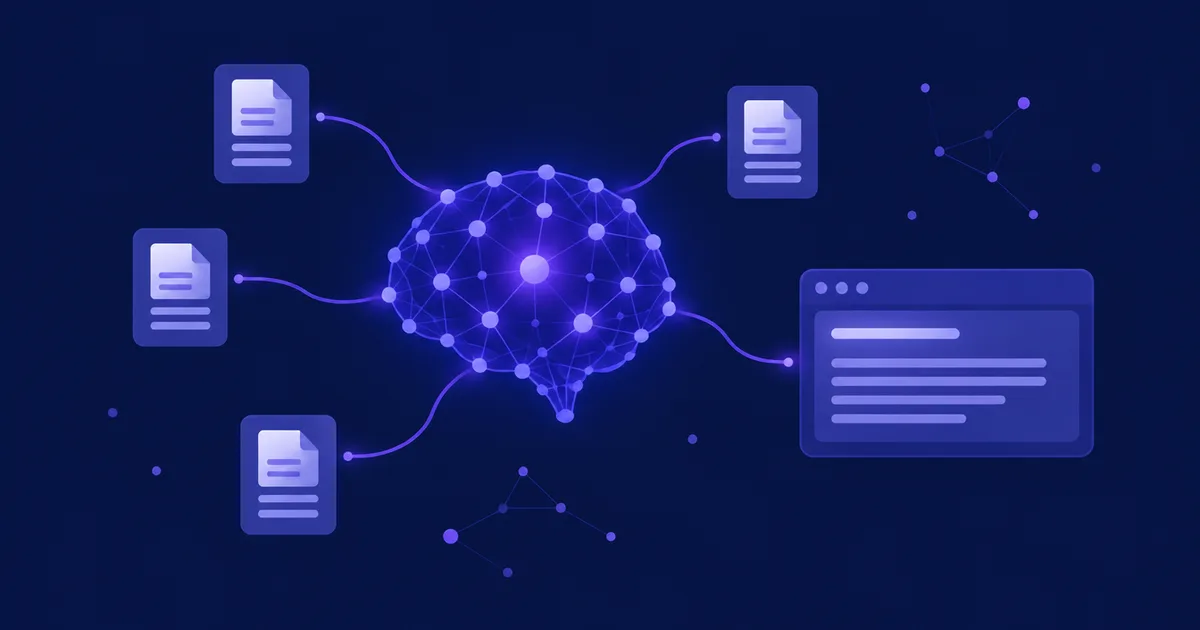
Category-based retrieval works like a librarian who hands you the five most popular books from the same shelf every time, whatever you asked about. Semantic search works like a librarian who reads your question first and then picks the right pages from the whole library.
Here is how it works:
- Chunking: every entry is split into chunks of about 1,200 characters.
- Embeddings: each chunk becomes a vector, a list of numbers that represents its meaning.
- Matching: each task is compared with your chunks by meaning. A task can be a chat message, an email or campaign topic, a goal, a playbook brief or a cron task.
- Bonuses: a chunk gets a small boost if it contains words found by the full-text index, belongs to the task's categories or comes from a verified entry. Matches that are much weaker than the best one are left out.
Brand voice and company entries are still included in writing tasks. Entries can now hold up to 100,000 characters on GOLD, and 10,000 on SILVER.
Context by Meaning
Brain gets the knowledge that matches the task in front of it, not a fixed set of entries.
Your Own Provider
OpenAI, Gemini, OpenRouter or a local Ollama model (bge-m3).
No New Service
Vectors are stored as packed float32 in MySQL. Searching 5,000 chunks takes about 60 ms.
Automatic Fallback
If the embedding provider does not answer, Brain reads the knowledge base by category, as before.
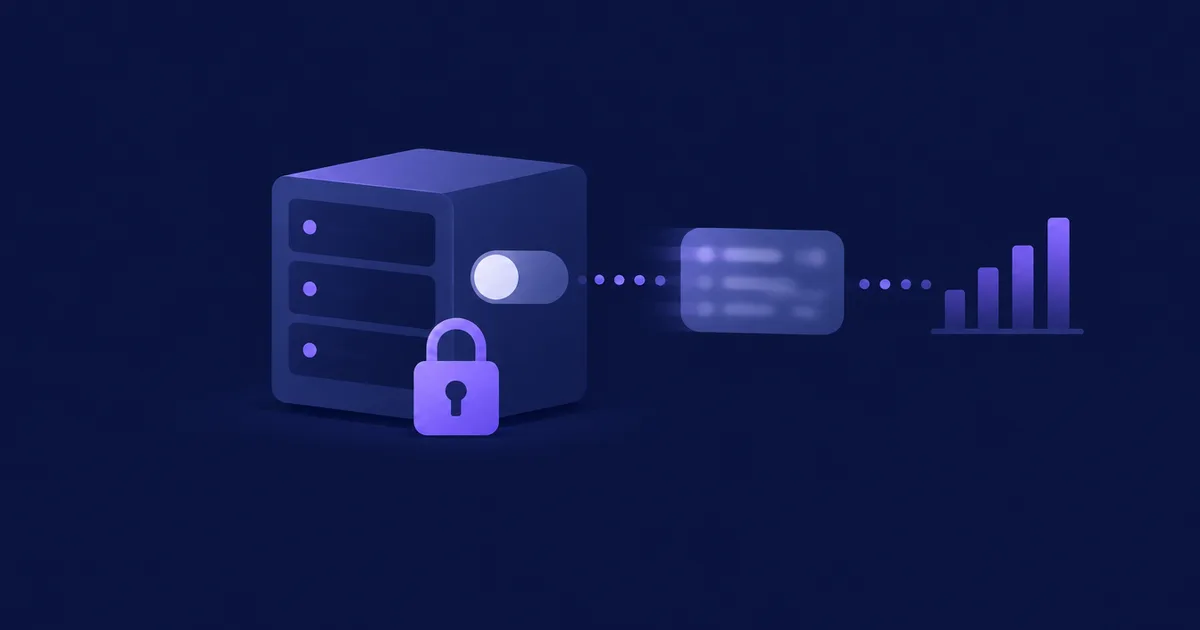
ℹ️ Why no vector database? TheVECTORtype in MySQL 9 has no distance function outside HeatWave, and MySQL Community cannot search vectors. NetSendo therefore stores vectors (768 dimensions where the model can shorten them) in a newknowledge_chunkstable and compares them in PHP. You don't need to add Qdrant, pgvector or any other container.
The index updates itself. When you add or change an entry, a queued IndexKnowledgeEntry job embeds it, and changed text removes its old vectors. An hourly brain:index-knowledge command embeds anything still missing. Saving an entry never fails because the provider is down. If you switch to a different model, the whole knowledge base is embedded again in the background, and vectors from different models are never mixed. The API endpoint GET /api/v1/brain/knowledge?search= also searches by meaning on GOLD.
Rich-Text Editor for Template Text Blocks
Before this release, the text block field was a plain text box. If you changed one word of AI-generated content, the block lost its links, bold text, headings and colours. It is now a TipTap rich-text editor with bold, italic, underline, links, lists, line breaks (Shift+Enter), and undo and redo.
- Byte-for-byte safe: nothing is saved until you change the text. Inline styles such as
#64748bandmso-*properties are kept exactly as written. - Insert variable at the cursor: variables, snippets and signatures are inserted where your cursor is, not at the end of the text.
- Email-safe HTML: scripts, iframes, forms,
<font>tags and CSS classes are removed, andjavascript:links are refused. Placeholders such as[[unsubscribe]]work as link addresses. List items are stored without inner<p>tags, so email clients don't add extra margins.
Only One Container Migrates the Database
The app, scheduler, queue and reverb containers run the same entrypoint. Before this release, all four could run migrations at the same time, which caused errors such as Table 'users' already exists and could leave a migration half-applied. Migrations and seeding now run under a MySQL named lock (GET_LOCK). One container prepares the database while the others wait. If that container dies, MySQL releases the lock automatically.
💼 Benefits & Use Cases
E-commerce: Product-Aware Campaigns
Store your full product sheets, return policies and seasonal promotions in Brain. When you ask Brain to write an abandoned cart email about winter jackets, it uses the jacket specifications and the free-returns policy instead of unrelated company boilerplate.
SaaS: Onboarding and Churn Prevention
Load your long-form documentation into Brain, up to 100,000 characters per entry. Onboarding sequences and win-back campaigns can then refer to the exact features a user struggles with, and the chat assistant can answer detailed product questions.
Agencies: Private AI with Ollama
Do you handle client data that should never leave your servers? Use a local Ollama model (bge-m3) for embeddings. The whole retrieval pipeline then runs on your own infrastructure, which is a strong reason to self-host.
🛠️ Step-by-Step Guide
- Back up your database
This release includes three migrations: the
knowledge_chunkstable, two new columns inai_brain_settings, andknowledge_entries.contentchanged toMEDIUMTEXT. - Update the image
docker compose pull && docker compose up -dThe new image already protects
migrateanddb:seedwith a database lock. - Update the compose file and entrypoint (recommended)
Your installation mounts its own copy of the entrypoint, so pulling the image does not replace it. Run
git pull, or downloaddocker-compose.ymlanddocker/php/docker-entrypoint.shfrom the v2.7.0 release. With both files, onlyappmigrates the database, and the other containers start once it is done. - Configure semantic search
Go to Brain → Settings → Knowledge base → Semantic search. Choose an integration and a model, or leave it on automatic. NetSendo tests the model before saving it and shows how many entries are indexed.
- Index existing entries
The hourly job will index your existing entries, but you can start indexing right away:
docker compose exec app php artisan brain:index-knowledge --sync
⚠️ Common pitfall: Anthropic and Grok have no embedding endpoint. If those are your only AI integrations, add an OpenAI, Gemini, OpenRouter or Ollama integration in Settings → AI Integrations first. See Integrations.
🎯 Expert Tips
Chunks are about 1,200 characters long. Clear headings and one topic per section give you sharper matches.
Verified entries get a ranking bonus, so mark your authoritative sources as verified.
A new model re-embeds the whole knowledge base. On large knowledge bases, switch outside peak hours.
For long migrations on large databases, set NETSENDO_MIGRATIONS_WAIT_TIMEOUT. The default is 1800 seconds.
🔧 Other Fixes and Improvements
- The
install.shscript now produces a working installation. It downloads every file the compose file mounts, generatesAPP_KEYand a random database password, refuses to overwrite an existing.envfile, and waits until the app answers. - The Delete key no longer removes the whole selected block while you type in a text field in the template builder.
- Clicking into a text block no longer strips its formatting.
- Web research entries reach Brain again. Entries with categories the AI made up now move to Insights, and the old category is kept as a tag.
- New knowledge base entries now start with the Company category, so saving without choosing a category no longer fails silently.
- An Ollama integration behind a proxy now sends its optional API key as a bearer token.
- Release titles with build metadata now display correctly, and HTML is converted to text with the browser's parser instead of a regular expression.
- The README, DOCKER_INSTALL, CONTRIBUTING and SECURITY documents have been updated, and broken links to
forum.netsendo.comhave been removed.
🎉 Conclusion
In v2.7.0, NetSendo Brain retrieves knowledge by meaning, and everything runs on your own MySQL with the AI provider you choose. Template editing keeps your formatting, and Docker updates are more reliable. You keep ownership of your data and don't depend on a single vendor.
Ready to Upgrade?
Upgrade to v2.7.0 to start using semantic knowledge search.
If you like NetSendo, please star us on GitHub.