
NetSendo v2.12.1: Safer Imports & Reliable API Senders
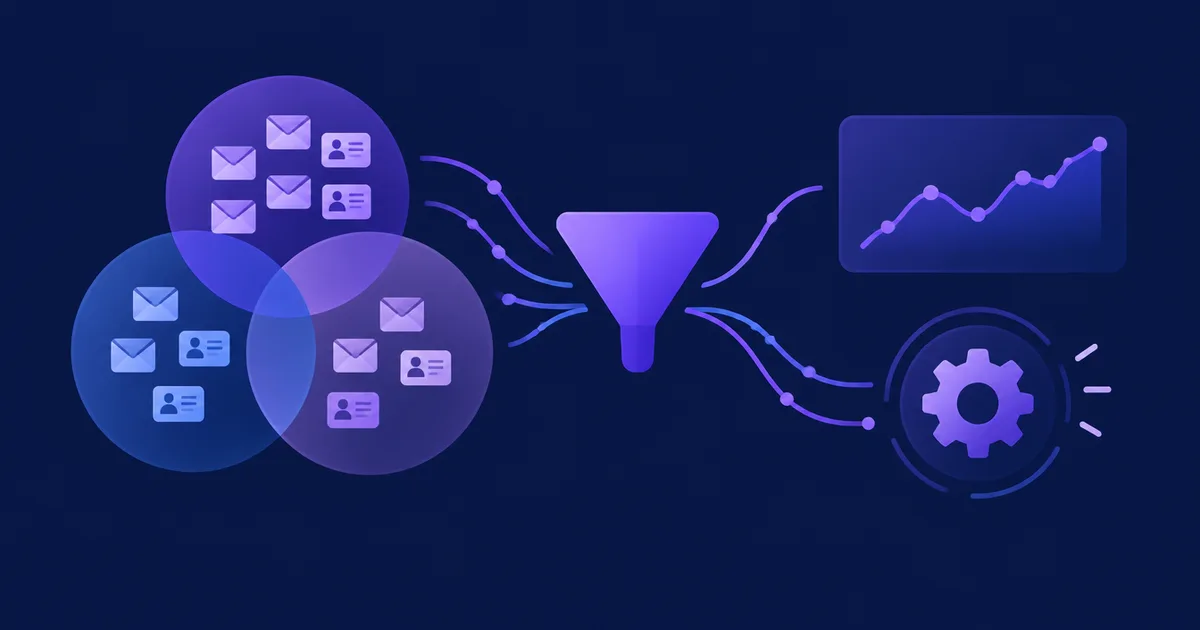
Picture this: you move 15,000 contacts from your old platform into NetSendo. The import finishes, and then your SMTP account starts sending 15,000 "New subscriber on list" emails to you. Your sending limit runs out. Gmail starts greylisting the domain you spent weeks warming up. A routine migration has now damaged your deliverability.
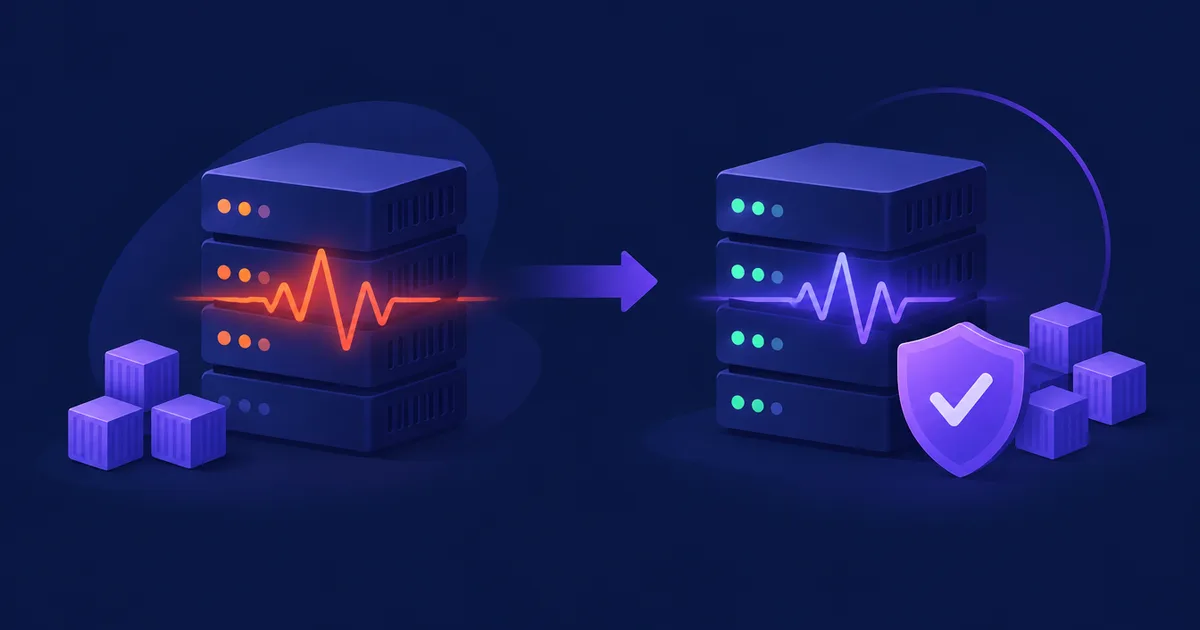
This happened to a real NetSendo user, and v2.12.1 fixes it. The release also fixes a quieter bug in the transactional API: emails could go out from a different mailbox than the one you named. If you send through the API or the MCP send_email tool, you should update.
POST /api/v1/email/send use the mailbox you named or fail with a clear reason, and never quietly swap it for another.
🚀 What's New in v2.12.1
Quiet Bulk Operations
Imports, bulk add/copy/move and batch API calls no longer send an admin email for every contact.
Account-wide Switch
One setting turns new-subscriber alerts off for every list in your account.
Correct API Senders
API emails go out from the mailbox you named or not at all. No more silent swaps.
New: "Notify me about new subscribers"
Go to Settings → Defaults → Subscription to find a new switch. It turns off the "New subscriber on list" email for every list in your account at once. The setting is stored as settings.subscription.notify_admin, and you can also change it through the API:
curl -X PUT https://your-netsendo.example/api/v1/settings/list-defaults \
  -H "Authorization: Bearer $NETSENDO_API_KEY" \
  -H "Content-Type: application/json" \
  -d '{"subscription": {"notify_admin": false}}'
ℹ️ Note: The switch is on by default, so nothing changes until you turn it off. To silence only one list, use Settings → System emails. The request body above is only an example. Check the API docs for the exact payload format.
Fixed: Imports No Longer Flood Your Inbox
Think of the admin notification as a doorbell. It's useful when one guest arrives, but not when a whole stadium walks in. Admin notifications are now skipped for:
- CSV imports, both in the panel and through
POST /api/v1/lists/{id}/import - Bulk add, copy and move of subscribers
- List transfers when a list is deleted
- The API's list members endpoints and
POST /api/v1/subscribers/batch
Only the admin notification is affected. Autoresponders, automations and webhooks still run according to the options you pick for the import.
Fixed: The Empty "Notification Email" Field
An empty Notification email field looked like notifications were off. In fact, they were still sent to your account's email address. The field now tells you this and shows where to actually switch notifications off.
Fixed: API Emails Sent From the Wrong Mailbox
This was the most serious bug in the release. Gmail mailboxes cannot send broadcasts, but POST /api/v1/email/send (and MCP send_email) stored every email as a broadcast. When the job ran, it replaced the Gmail mailbox with the first mailbox that was allowed to send broadcasts. Meanwhile, the API had already answered "queued" with the Gmail mailbox's name. On one account, six personal emails went out from a shop's address over two weeks.
What happens now:
- These emails are stored as individual messages (
messages.is_individual, added by the automatic migration). - Any mailbox that allows broadcasts or autoresponders can send them, including Gmail. The email goes out from that mailbox or not at all.
- If the mailbox you name cannot send the email, you get a
422response that lists itsallowed_types. - If the mailbox is switched off, loses those types or goes over its daily limit before sending, the entry fails and the reason is recorded.
POST /api/v1/email/batchnow returns422for a named mailbox that can't send broadcasts. It no longer swaps the mailbox.- Both endpoints now return the actual sender as
mailbox_idandfrom_email.
{
  "status": "queued",
  "mailbox_id": 4,
  "from_email": "anna@yourcompany.com"
}
💼 Benefits & Use Cases
E-commerce: Migrating Your Customer Base
You're moving 50,000 store customers from another ESP. With v2.12.1 you can:
- Import the CSV without using up your SMTP quota on admin alerts
- Protect the reputation of a newly warmed-up sending domain
- Still start a post-purchase or win-back sequence if you choose to
SaaS: Personal Onboarding Emails Through the API
Your app sends "founder" onboarding emails from a Gmail mailbox through the API or an AI agent using MCP:
- Each email now goes out from the mailbox you named, so it doesn't arrive from a generic or wrong address
- You can check
from_emailin the response before logging the send - A
422tells you right away if the mailbox is set up wrong
Agencies: Many Clients, One Instance
Agencies that sync contacts in bulk with /subscribers/batch no longer fill client inboxes with alerts. They can also turn off notifications for a whole account with one API call when onboarding a new client.
🛠️ Step-by-Step: Updating and Configuring v2.12.1
- Back Up and Update
Back up your database, then pull the new image. The
messages.is_individualcolumn is added by the automatic migration.docker compose pull docker compose up -d - Decide on Account-wide Notifications
Open Settings → Defaults → Subscription. If you don't want an alert for each new subscriber, turn off "Notify me about new subscribers". You'll see a switch with a short description.
- Review Per-list Overrides
If you only need to silence one list, use Settings → System emails instead.
- Check Your Notification Email Field
Remember that an empty field means alerts go to your account email. It does not mean alerts are off.
- Audit Your API Integrations
Check every
email/sendandemail/batchcall that names a mailbox. Handle422responses and logmailbox_idandfrom_email.
⚠️ Common pitfall: Integrations that used to "just work" with a Gmail mailbox inemail/batchmay now receive422. Those emails were going out from a different mailbox all along. Name a mailbox that can send broadcasts, or useemail/sendfor individual emails.
🎯 Expert Tips
🎯 Expert Tips
For high-volume lists, turn off admin emails and use NetSendo webhooks to send new-subscriber events to Slack or your CRM through n8n. You get the data without using any SMTP quota.
Compare from_email with the sender you expected, and raise an alert if they differ. It takes one line of code and catches setup drift.
allowed_types as Configuration FeedbackWhen you get a 422, show its allowed_types in your logs. That way your team can fix the mailbox settings instead of retrying blindly.
Emails sent after an import (autoresponders, welcome sequences) still count toward mailbox limits. Schedule them in stages when you're warming up a new domain.
✅ Conclusion
v2.12.1 is a small release with a big effect on deliverability and trust. Bulk operations no longer flood your inbox or use up your SMTP quota. One switch controls new-subscriber alerts for your whole account. API emails now go out from the mailbox you named, or fail with a clear error. Because NetSendo is self-hosted, you can apply these fixes right away, and your data and sending setup stay under your control.
Update to v2.12.1 Today
Read the full API reference, connect your tools, or start a new instance:
Find NetSendo useful? Star us on GitHub and read the full release notes.