
NetSendo v2.12.0: Saved Segments, Real Engagement Data & Automations That Actually Fire
Most marketers have built a list by hand at some point: export the openers, remove the clickers, import what's left, send. A week later that list is out of date. Your data keeps changing, and the list doesn't change with it.
NetSendo v2.12.0 replaces that routine with saved segments, which are named sets of conditions that keep themselves up to date. This release also fixes the data that segments rely on. Opens and clicks are now recorded on each subscriber, and several automation triggers that never ran now fire as intended.
🚀 What's New in v2.12.0
Saved Segments
A static list is like a photo of your audience. A segment works more like a live camera feed: it describes who should be included, and NetSendo works out the members each time you use it. You'll find segments under Contacts → Segments. They're available on the SILVER plan.
Conditions you can combine (match all or any):
- On a list / not on a list
- Has a tag / does not have a tag
- Custom field comparisons (the same ones used in message audience filters)
- Opened / clicked in the last N days, or not for N days
- Opened / clicked a specific message, or not
- Added in the last N days, or more than N days ago
As you edit, the builder shows a live count and a few example addresses, so you can check the logic before you send anything.
Message Targeting
In the Audience tab, choose a segment. The message goes only to people on its lists who also match the segment.
Evaluated at Send Time
Members are counted when the message is sent. For autoresponders, the segment is checked for each new subscriber.
API Access
Use GET /api/v1/segments and /{id} to get a fresh count, or set segment_id on messages.
curl -H "Authorization: Bearer YOUR_API_KEY" \
  https://your-netsendo.com/api/v1/segments/12
{
"subject": "We miss you",
"segment_id": 12
}⚠️ Important: If you delete a segment, every message that used it goes back to targeting its whole lists. Check which messages depend on a segment before you remove it.
Engagement Data That Finally Adds Up
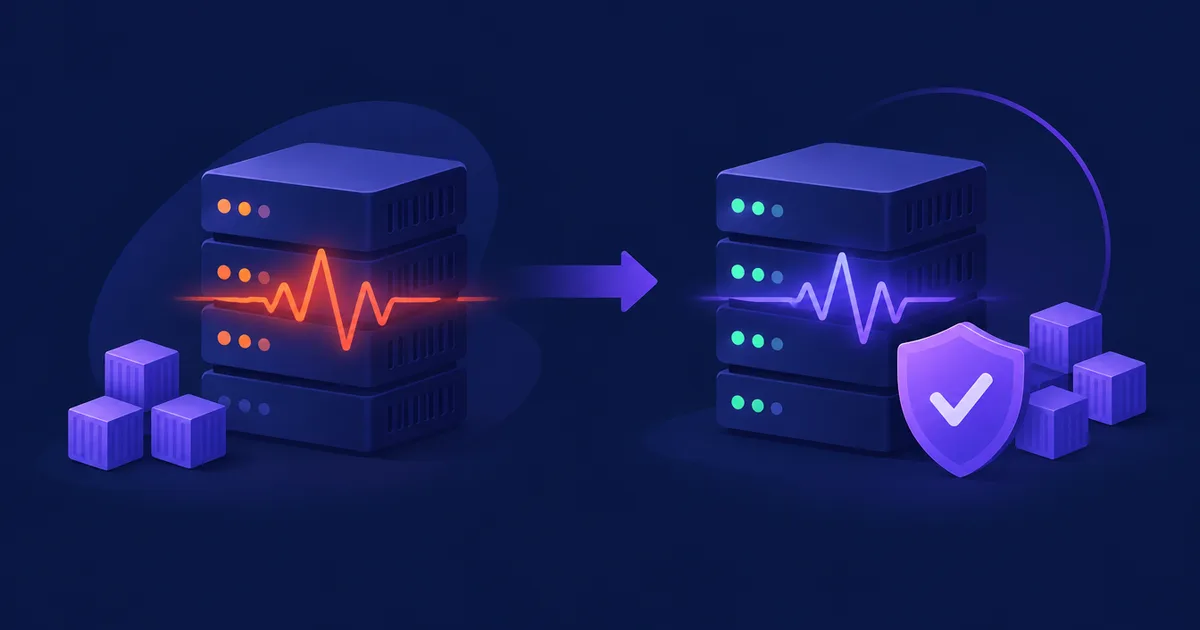
This is the most important fix in the release. Tracking saved every open and click but never updated opens_count, clicks_count, last_opened_at or last_clicked_at on the subscriber. As a result, subscriber cards, "most engaged" and "never engaged" views, exports and engaged/not engaged filters showed zero for everyone. In one case, 711 of 711 subscribers were listed as "never engaged" on a list that had 233 openers.
Tracking now writes these fields, and counts are unique per message. The automatic migration also rebuilds them from your stored opens and clicks, so your historical engagement data is restored.
Automations That Now Fire
- No activity: a new hourly job,
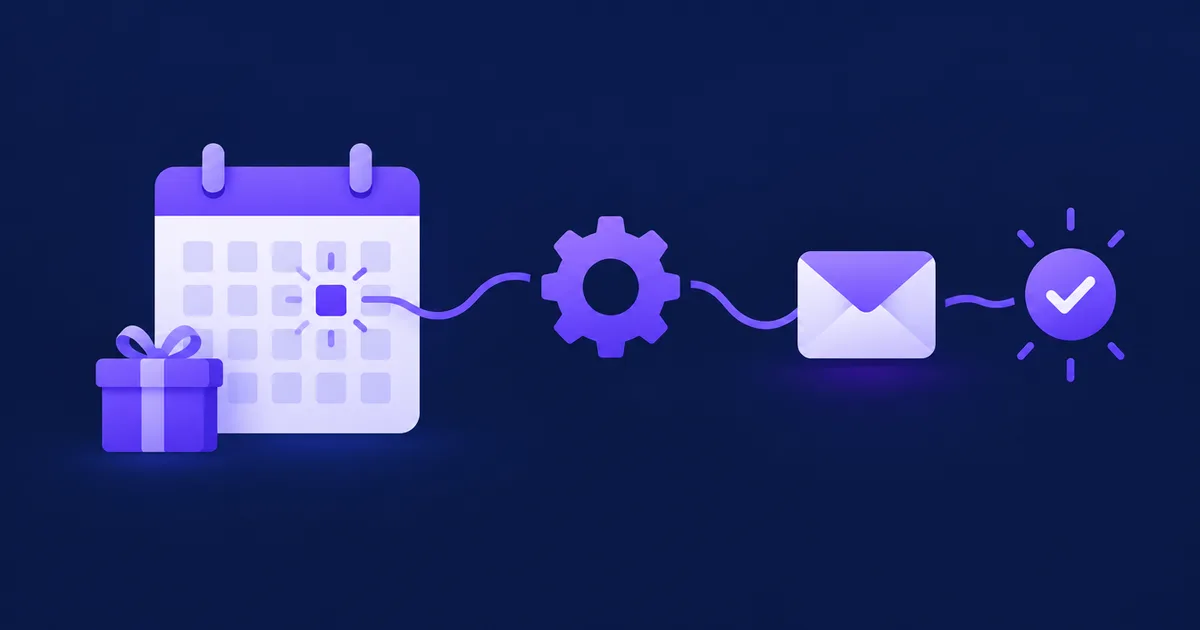
automations:process-inactivity, finds subscribers who haven't opened or clicked within the rule's number of days (30 by default). If the rule has a list, the days count from when the subscriber joined it. Each subscriber triggers the rule once until they engage again, with up to 1,000 subscribers per rule per run. - Field changed: fires when a standard or custom field of an existing subscriber changes, optionally to a specific value. It doesn't fire on creation or on the rule's own update field action.
- Click on a specific link: fires when the clicked URL matches the link set in the rule. A link is now required.
- Pixel: return visit: fires when an identified visitor comes back after at least a day, or after the rule's
min_days_away. - Wildcard URLs: patterns like
https://shop.example.com/offer*now match as expected. - List filters on "email opened", "link clicked" and "email bounced" rules now match. These events now include all of the message's lists.
⚠️ After updating: the default Cold Lead Detection rule is active on every installation and now actually runs. It appliesadd_tagandadd_scoreto quiet subscribers but sends no emails. If you don't want that, switch it off in Automations.
💼 Benefits & Use Cases
E-commerce: Re-engage Window Shoppers
Create a segment of people who opened your last promo but didn't click it, and who were added more than 14 days ago. Send them a follow-up with a different offer. Because the segment is evaluated at send time, anyone who clicked in the meantime is left out automatically.
SaaS: Churn Prevention
Use a "No activity" rule with 21 days on your customer list to tag at-risk users and add score. Pair it with a "Field changed" rule on plan so that a downgrade sends the contact into a save sequence.
Agencies: Reportable Segments
Build standard segments for each client, such as "Engaged 30d" and "Cold 90d". Pull live counts from GET /api/v1/segments/{id} into dashboards or n8n reports without exporting anything.
🛠️ Step-by-Step: Update and Build Your First Segment
- Update NetSendo
Pull the new images and restart. The migration creates
segmentsandmessages.segment_idand rebuilds engagement counters.docker compose pull docker compose up -d - Review Cold Lead Detection
Open Automations and decide whether this rule should stay active.
- Make sure the scheduler is running
The inactivity job runs every hour through the scheduler. To test it manually, run the command below, replacing
appwith your PHP container name.docker compose exec app php artisan automations:process-inactivity - Create a segment
Go to Contacts → Segments, add conditions, choose "all" or "any", and check the live count and sample addresses.
- Target a message
In the message's Audience tab, choose the segment along with the lists it should apply to.
- Check your nginx config
If you have an older
docker/nginx/default.confthat containslocation ~ /\. { deny all; }, it blocks/.well-known/. That causes the403error that stops AI apps from signing in.docker compose pullnever replaces this file, so you need to update it yourself. The README (Troubleshooting) anddocs/MCP_CONNECTOR.mdexplain how.grep -n 'location ~ /\\.' docker/nginx/default.conf curl -I https://your-domain.com/.well-known/oauth-authorization-server
ℹ️ Note: The new nginx file still blocks hidden files (.git,.env,.htaccess) except/.well-known/, serves compressed scripts and styles, and keeps PHP requests open for up to 300 seconds.
📋 Other Changes
- CRM → Tasks: a new "Close stale automatic tasks" button closes sequence-created tasks that are more than 14 days overdue and stops their sequences. Manual tasks and calendar-synced tasks are not affected.
- Dashboard: clicks now appear before opens. The open rate is marked as overstated because Apple Mail and Gmail open messages automatically.
- Automation builder: it now offers only triggers that actually run. Rules that used "List join" or "Subscriber activated" become "Signup to list" rules, which fire after double opt-in. Trigger names follow the interface language, missing icons were added, and "All lists" now shows correctly.
- CRM sequences: the default "After the meeting" sequence now runs only after completed meetings. Tasks created by a sequence no longer enroll contacts in other sequences, and CRM file imports don't trigger "on contact created" sequences.
- Fixed: "CRM contact created" automations no longer run twice for contacts converted from subscribers.
🎯 Expert Tips
Because of mail privacy features, open data is inflated. Use "clicked in the last N days" to define truly engaged contacts.
After the migration, your "never engaged" counts will drop sharply. Review any sunset or cleanup decisions you based on the old numbers.
Rules that never fired before (field changed, link click, return visit, wildcard URLs) are now live. Test them on a staging list before relying on them.
When you replace an old default.conf, keep hidden-file protection in place. Only /.well-known/ should be exposed.
✅ Conclusion
v2.12.0 is about accurate data and automations you can trust. Segments make audience targeting dynamic, engagement counters now reflect real activity, and rules that were silently doing nothing now work. Because everything runs on your own server, your segments and engagement history stay under your control, with no per-contact pricing.
Ready to Segment Smarter?
Update to v2.12.0 and build your first self-updating audience:
Connecting other tools? See Integrations, and give us a ⭐ on GitHub.