
NetSendo v2.12.2: No More Campaigns From the Wrong Mailbox
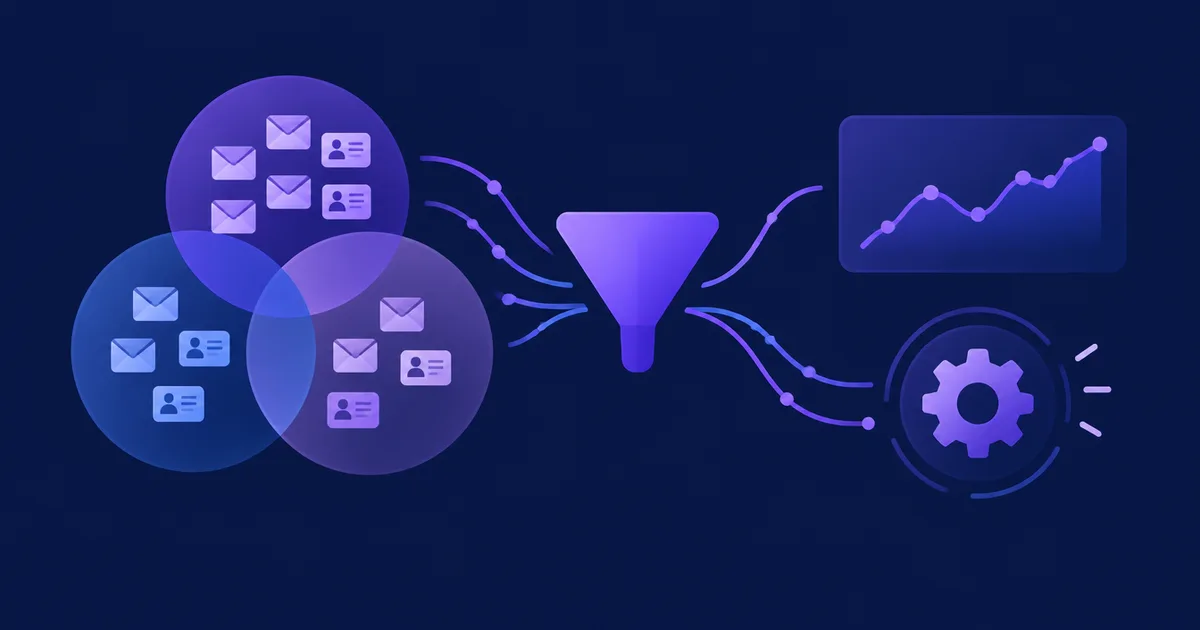
Your sender address is part of your brand. When subscribers see an email from your company newsletter, they trust it. If the same message arrives from a shop's order address, or from an address they've never seen, they get confused, they unsubscribe, and some report it as spam. Your sender reputation can take a hit too.
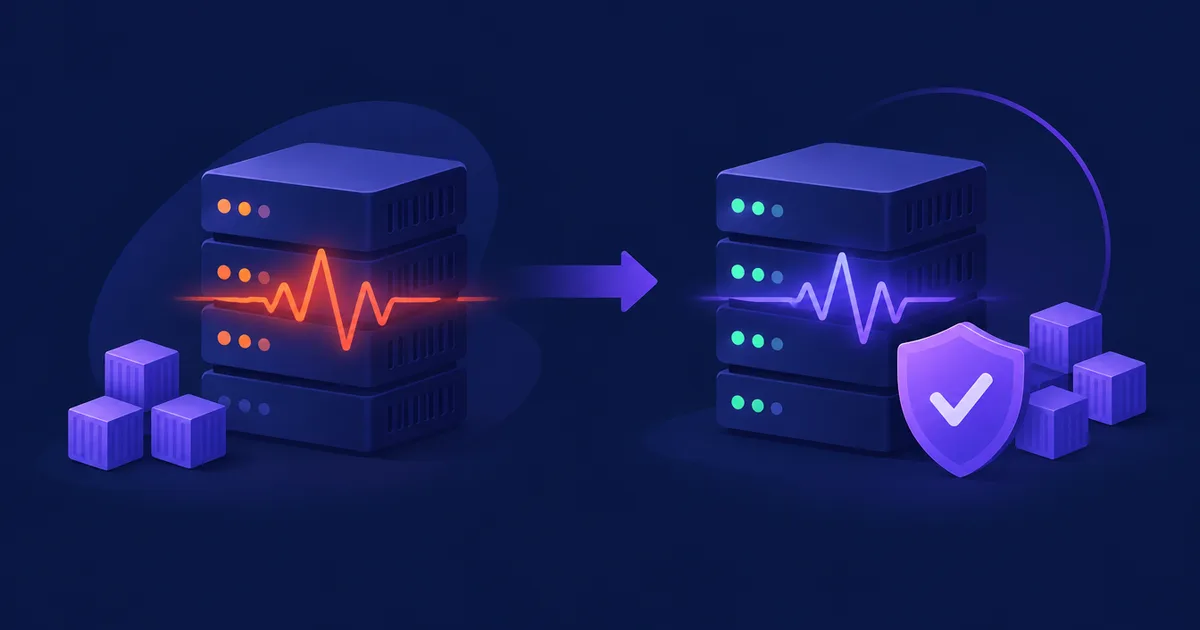
NetSendo v2.12.2 fixes a bug where this could happen. If a campaign's mailbox isn't allowed to send broadcasts, NetSendo no longer sends it from a different address without telling you. It stops the campaign and tells you why.
422 Mailbox Not Allowed, the panel shows the error on the mailbox field, and if a mailbox loses broadcast permission after queueing, those entries fail with a reason. They aren't sent from another address.
🚀 What's New in v2.12.2
The problem: sending from the wrong address without warning
Version 2.12.1 already stopped this rerouting for transactional sends through POST /api/v1/email/send and /email/batch. Campaigns (broadcast messages) were still affected, though. If a campaign used a Gmail mailbox, or a mailbox with One-time (Broadcast) switched off, it went out from the first mailbox that was allowed to send broadcasts.
This happened whether the campaign was sent with send_campaign, scheduled with schedule_campaign, or started from the panel. On one account, three campaigns to a one-person list were sent from a shop's address.
Think of it like a post office. You hand over a letter with your return address, and the clerk swaps in someone else's address because yours "isn't on the list." The letter still arrives, but the recipient sees the wrong sender.
The fix: stop the campaign before it's queued
Checked before queueing
A campaign with a mailbox that can't send broadcasts is stopped before any message is queued.
Clear API error
422 Mailbox Not Allowed names the mailbox and points you to the right tool.
Error in the panel
The error appears on the mailbox field when you send or schedule the campaign.
Failed with a reason
If a mailbox loses broadcast permission after queueing, the entry fails with the reason. It isn't sent from another address.
How the API responds
When you call send_campaign or schedule_campaign for a campaign whose mailbox can't send broadcasts, you get HTTP 422 with Mailbox Not Allowed. The response names the mailbox and suggests what to use instead:
send_email, if you want to reach one personsend_campaign_test, if you want a preview
Here's how your integration can handle this (simplified pseudo-logic, not the exact response body):
if (response.status === 422) {
  // Mailbox Not Allowed: don't retry the same request.
  // Choose a mailbox that can send broadcasts,
  // or use send_email (one person) / send_campaign_test (preview).
  notifyOperator(response.body);
}
ℹ️ Note: In the panel, a draft can still use a mailbox that can't send broadcasts. The check only runs when you send or schedule the campaign.
What hasn't changed
These cases still fall back to another mailbox, the same as before:
- A campaign without its own mailbox, which takes one from its list or the account default
- A full mailbox
- Autoresponders
💼 Benefits & Use Cases
E-commerce: keep newsletters and order emails separate
Many shops use one address for order confirmations and another for promotions. With v2.12.2:
- Promotional campaigns can't go out from your order address
- Customers see newsletters and order emails from the addresses they expect
- Your transactional sender reputation isn't affected by bulk campaigns
SaaS and AI agents: errors you can act on
If you use scripts or AI assistants to run send_campaign and schedule_campaign, a clear 422 is better than a send that looks successful but went from the wrong address. The error points to send_email for one-person messages such as onboarding emails, and to send_campaign_test for previews. Your tools can pick the right next step on their own.
Agencies: no mixed-up client senders
When one NetSendo instance has mailboxes for several brands, sending from the wrong address is a serious mistake. This fix means a client's campaign can't go out from another client's mailbox because of a broadcast setting.
🛠️ Step-by-Step: Check Your Setup After Upgrading
- Upgrade NetSendo
Pull the latest image and restart your stack:
docker compose pull docker compose up -d - Review your mailboxes
Open your mailbox settings and check which mailboxes have One-time (Broadcast) enabled. Gmail mailboxes can't send campaigns, so plan to send campaigns from a different mailbox.
- Check scheduled campaigns
Look at campaigns that are already scheduled or queued. If a campaign's mailbox can't send broadcasts, its entries will now fail with a reason. They won't be sent from another address. Switch those campaigns to a mailbox that can send broadcasts.
- Update your integrations
Make sure your API clients and automations handle
422 Mailbox Not Allowed. They should alert someone and not retry the same request. - Test with a preview
Use
send_campaign_testto check a campaign before you send or schedule it.
⚠️ Common pitfall: Campaigns that "worked" before may now be refused. They were never sent from the mailbox you picked; they went out from another one. Fix the mailbox choice. Don't try to work around the error.
🎯 Expert Tips
Keep transactional and broadcast mailboxes separate. Turn on One-time (Broadcast) only where you want bulk sending.
Use send_email to reach one person. Don't create a broadcast to a one-person list.
Entries that fail with a reason tell you something needs attention. Check them regularly, especially after you change mailbox settings.
Turning off broadcast for a mailbox with queued campaigns will make those entries fail. Reassign the campaigns first.
✅ Conclusion
v2.12.2 is a small release, but an important one. Your campaigns go out from the mailbox you chose, or they don't go out at all. You get a clear API error, an error on the mailbox field in the panel, and failed entries with a reason, so problems no longer go unnoticed. Because NetSendo is self-hosted, your data, your mailboxes, and your sending setup stay under your control.
Upgrade to v2.12.2
Read the docs, check out the integrations, or install NetSendo with Docker. If it saves you trouble, please star us on GitHub.