
NetSendo v2.9.0: Own MTA, Dedicated IPs & New Dashboard
Running your own email infrastructure has always meant a trade-off. You own your data and your sending, but delivery depends on servers, logins, DKIM keys and IP reputation that you have to manage yourself. Many self-hosters give up and route everything through a paid relay, and the vendor lock-in comes back.
NetSendo v2.9.0 closes that gap. The built-in NetSendo MTA is now a mailbox provider that actually sends. It handles domain logins, DKIM signing and dedicated IPs for you. This release also redesigns most of the panel, adds a safer one-click unsubscribe link and fixes two security issues you should not ignore.
[[unsubscribe_now]] and an "Unsubscribe me from everything" button, and rebuilds the dashboard, menu, lists and message editor. It also fixes an SQL injection in list sorting and an SMS campaign isolation issue. Update now.🚀 What's New in v2.9.0
NetSendo MTA Provider
Send from your verified domains through your own Haraka-based MTA.
Dedicated IPs
Order IPs from Vultr or Linode, with reverse DNS and step-by-step guidance.
Automatic DKIM
A key per domain, used for signing only after the DNS record is verified.
Rebuilt Dashboard
Needs attention, 7/30/90-day trends and a cleaner nine-section menu.
NetSendo MTA: Your Own Sending Server, Managed for You
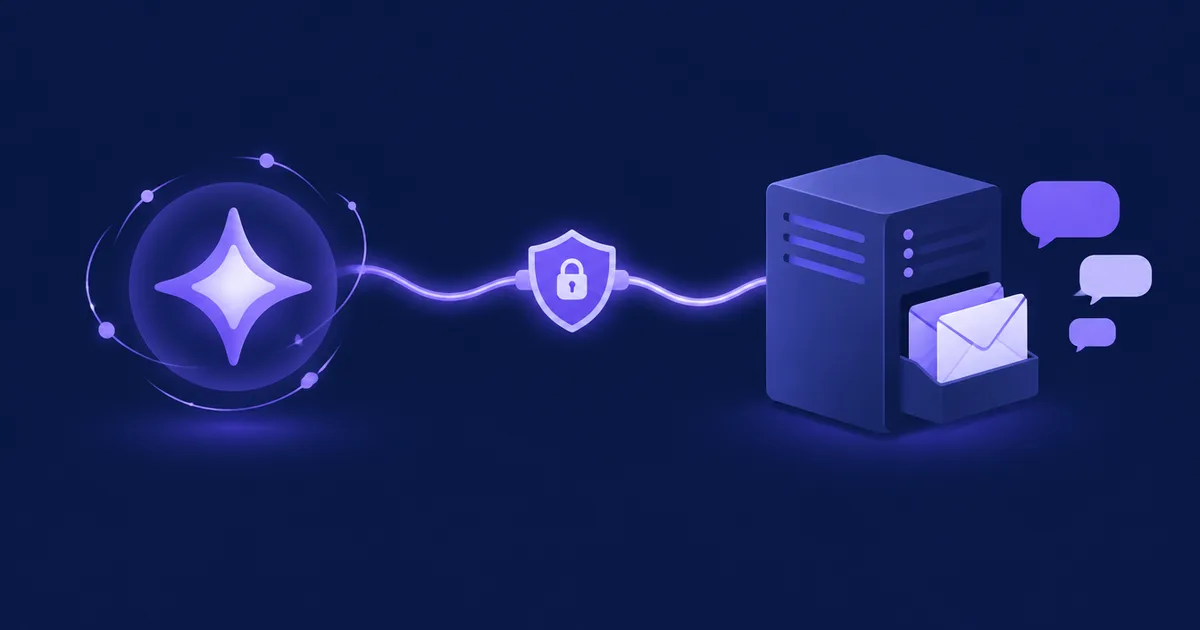
Think of the MTA as your own private post office, and NetSendo as the clerk who handles the paperwork. Under Settings → Mailboxes → Add mailbox you choose NetSendo MTA (NMI), pick one of your verified domains, and optionally choose a dedicated IP. You don't type in any server login.
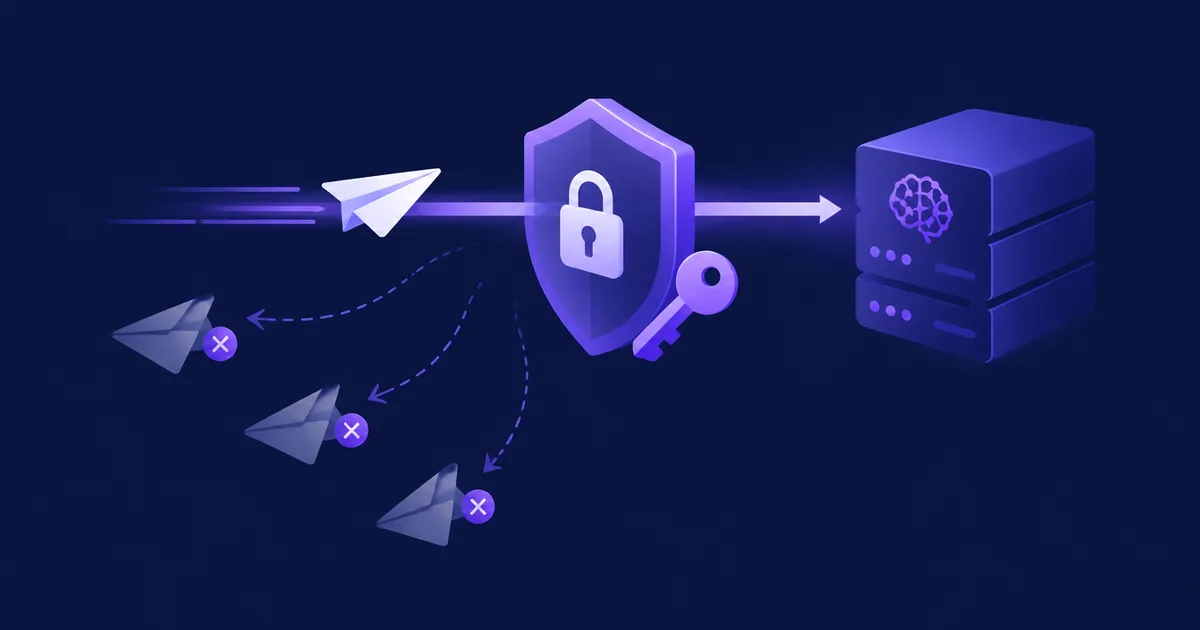
- Auto-generated logins: the first NMI mailbox of a domain creates a 48-character SMTP login. It is stored encrypted and written to the MTA as a SHA-256 hash. New and rotated logins work without a restart.
- Authenticated relay only: the MTA refuses unauthenticated sessions at
RCPT TOand uses Haraka's own outbound delivery. - Mail leaves from your chosen IP: each message carries the source address and HELO name. The form and Test connection tell you whether the MTA can really send from that IP.
- DKIM done right: mail is signed only once the TXT record is found in DNS, and signing stops if the record disappears.
# .env
NMI_ENABLED=true
NMI_HELO_HOST=mail.example.com

# Update an installation that runs the MTA
docker compose --profile nmi up -d --build

# Rebuild the MTA login file from the database (also scheduled every 10 min)
php artisan nmi:sync-mta-auth
⚠️ Important: Your server needs outbound port 25. Many cloud providers block it. If yours does, the MTA accepts mail but cannot deliver it. Dedicated IPs also need to be configured on the server, with PTR records.
Dedicated IPs from Vultr and Linode
Settings → Mail Infrastructure → Configure Providers now explains each route in your panel language: where to create the API key, the provider's port 25 policy and what an address costs. NetSendo checks your API key with the provider before storing it. Provision IP reserves and attaches the address and, on Vultr, also sets reverse DNS. If attaching fails, NetSendo releases the address right away, so you aren't billed for it. Afterwards it lists the steps the API can't do for you, with your IP and hostname filled in. Deleting an address releases it at the provider first. DigitalOcean is no longer offered because its Reserved IPs cannot send mail. For Hetzner, OVH or your own data centre, a manual route is described.
Safer Unsubscribing
The new [[unsubscribe_now]] insert (Inserts → Links) opens a page with one Unsubscribe me button. The person is removed immediately, with no confirmation email. Just opening the link does nothing, so mail scanners can't unsubscribe anyone by accident. The preferences page also gains an "Unsubscribe me from everything" button and now uses the subscriber's language (PL, EN, DE, ES).
ℹ️ Note: This release fixes a serious bug. Saving the preferences page could subscribe a person to every public list when a mail scanner opened the confirmation link. The page now lists only the lists the person is on or has left, and re-joining a list needs an explicit Confirm click.
A Rebuilt Panel
- Dashboard: a "Needs attention" strip appears only when something is wrong. For example, CRON that hasn't run for 15 minutes or more is now reported as stopped. It also has 7/30/90-day figures with real period-over-period trends, an activity chart, Brain approvals, recent and scheduled campaigns, and a single "Create" button.
- Side menu: nine sections instead of 71 links, with no duplicate pages.
- Message editor: organised as Content, Audience and Delivery (what, to whom, when), with an action bar that stays at the bottom of the window.
- Lists and settings: status tabs with counts, menus of named actions instead of unlabelled icons, layouts that work on a phone, and readable validation errors.
API: Period-Aware Dashboard Stats
curl -H "Authorization: Bearer $NETSENDO_API_KEY" \
  "https://your-netsendo.com/api/dashboard/stats?period=7"
The period parameter accepts 7, 30 or 90, and the default is now 30. The response adds previous values for every figure, plus queue_pending, scheduled and a daily activity_chart (date, emails, subscribers, opens, clicks).
💼 Benefits & Use Cases
E-commerce: Protect Your Order Emails
Put abandoned-cart and post-purchase sequences on a dedicated IP, separate from newsletters:
- Reputation problems from promotions don't hurt order confirmations
- The warming limits of each IP apply automatically to its mailbox
[[unsubscribe_now]]makes opting out easy, which keeps spam complaints down
SaaS: Onboarding Without a Relay Bill
Send onboarding and churn-prevention sequences through your own MTA with no per-message fees. Feed /api/dashboard/stats?period=7 into your internal BI tool to spot open-rate drops week by week.
Agencies: One MTA, Many Client Domains
Each client domain gets its own SMTP login and DKIM key, and can have its own IP. The new SMS campaign isolation and per-list permissions ("view" or "view and edit") keep team members inside their own workspace.
🛠️ Step-by-Step: Sending Through NetSendo MTA
- Update NetSendo
Run
docker compose pull && docker compose up -d. If you use the MTA, take the newdocker-compose.yml(it adds thenmi-authvolume and the new plugins) and rundocker compose --profile nmi up -d --build. Migrations run automatically. - Verify a domain
Open Deliverability and verify your sending domain. The mailbox form links there if you have no verified domain yet.
- (Optional) Order a dedicated IP
Connect your Vultr or Linode API key, click Provision IP, choose the server NetSendo runs on and enter a hostname. Then complete the listed steps: create the A record, configure the IP on the server, set reverse DNS, and run the MTA on the host network with
docker-compose.nmi-host.yml. - Add the mailbox
Go to Settings → Mailboxes → Add mailbox → NetSendo MTA, pick the domain and the IP, and use a sender address within that domain.
- Publish DKIM
Copy the TXT record shown in the form, add it to your DNS and click Verify record.
- Test
Click Test connection. It confirms the login and tells you whether mail really leaves from the chosen IP.
💡 Common pitfalls: Can't choose the provider? The MTA container is down, so use Check again. Linode refuses reverse DNS? Wait until the A record resolves. Mail sent from the wrong IP? CheckNMI_BIND_MAPif your provider translates public addresses to private ones, and checkdocker logs netsendo-mta.
🎯 Expert Tips
Before ordering an IP, check that outbound port 25 is open on your host. On Linode, the IP picker marks servers with restricted SMTP.
Use the warming limits and start with your most engaged segments. Fresh IPs have no reputation yet.
docker/haraka/test/e2e.sh checks login, source address, HELO name and DKIM verification against a real receiving server.
The fixed SQL injection in the message list's sort direction could be used by any signed-in user, including team members. Treat this update as urgent.
🎉 Conclusion
NetSendo v2.9.0 gives you working self-hosted infrastructure: your own MTA, your own IPs and your own DKIM keys, with no relay fees or vendor lock-in. Add the safer unsubscribe flow, a cleaner panel and important security fixes, and this is one of the most important updates of the year. Read docs/NMI.md in the repository for details and troubleshooting.
Ready to Own Your Sending?
Update today, or start fresh with Docker in minutes. If NetSendo helps you, give us a ⭐ on GitHub.