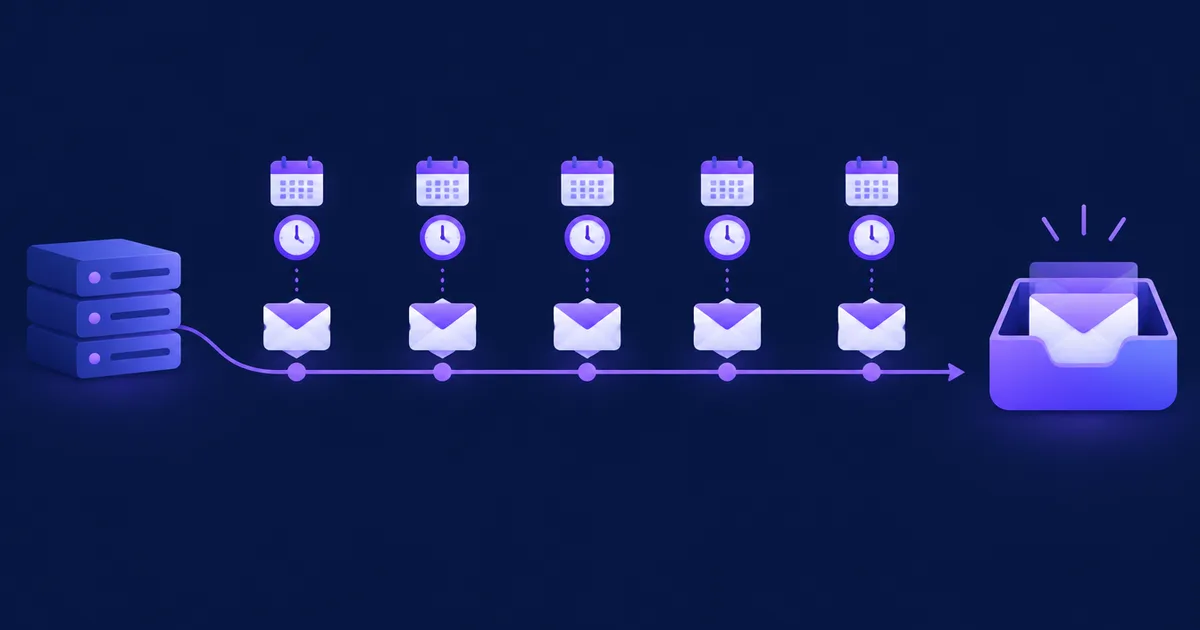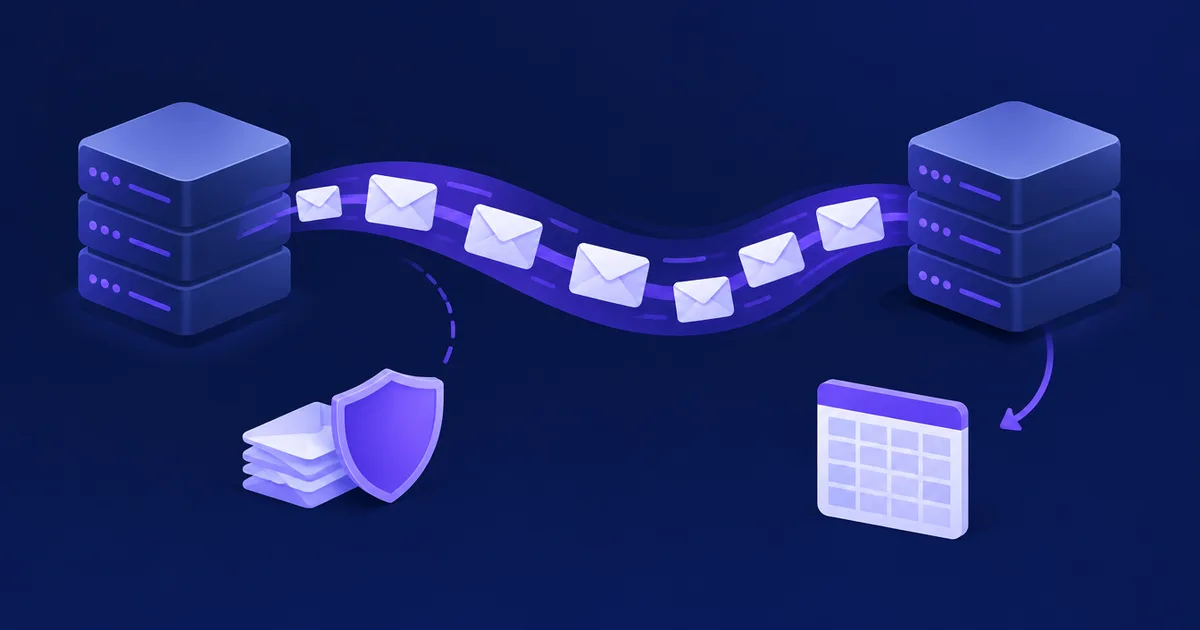

Separate subdomains for marketing and transactional email?
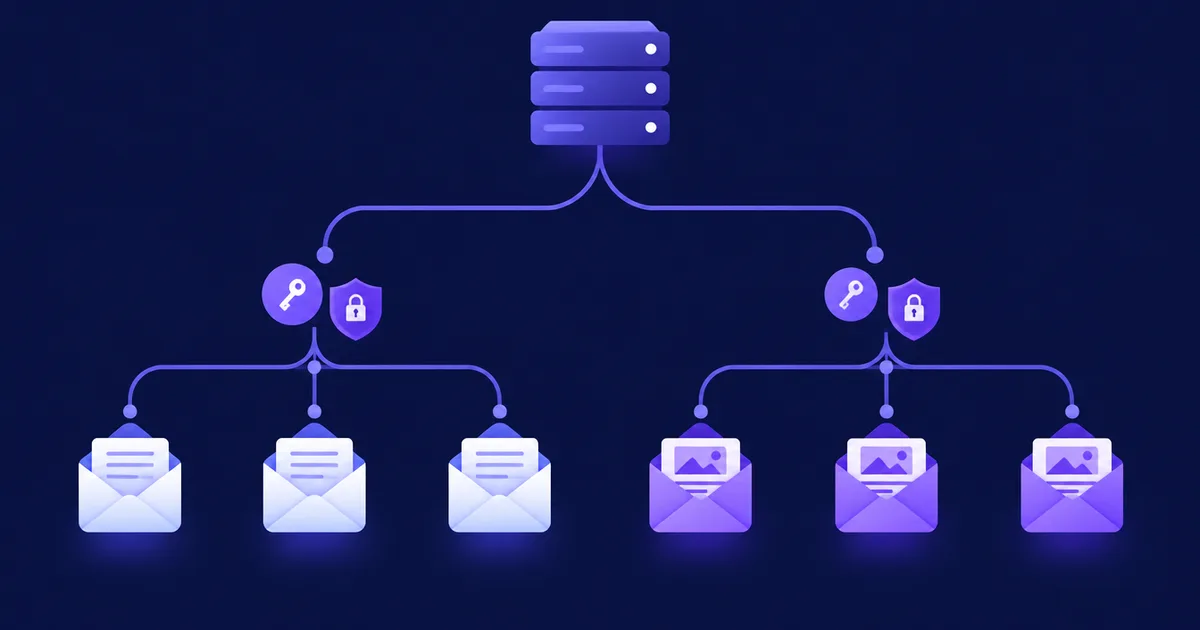
Yes, send marketing and transactional email from separate subdomains once both streams have steady volume, for example news.example.com for newsletters and notify.example.com for receipts and password resets. A separate subdomain gives each stream its own DKIM signature and its own reputation data, so a newsletter that draws complaints is less likely to delay a password reset. It does not hide anything from Gmail: Google counts every subdomain toward your primary domain for the bulk-sender threshold and for its compliance status.
_dmarc record or the parent's sp= tag. Separate IPs or providers isolate far more than subdomains do, and they cost more.Do mailbox providers judge a subdomain separately from the main domain?
Partly. Providers keep data on the exact domains that sign and authenticate a message (the DKIM d= domain and the SPF Return-Path domain), but they also roll subdomains up to the organisational domain for some decisions. A subdomain is a separate reputation signal, not a separate identity.
Google documents both sides. In its sender guidelines FAQ, Google says messages sent from the same primary domain count toward the 5,000-messages-a-day bulk-sender limit, and gives the example of 2,500 messages a day from solarmora.com plus 2,500 from promotions.solarmora.com: that sender is a bulk sender. Bulk-sender status is also permanent once you have reached it on any day. Splitting streams across subdomains therefore never takes you below the threshold.
The Postmaster Tools dashboard help works the same way for compliance: the Compliance status dashboard uses data from subdomains but shows a status for primary domains only. Other dashboards are more granular. Google's Postmaster Tools setup page says you can add subdomains to see their dashboards independently, and you do not need to verify them again once the primary domain is verified. It also tells you to add the DKIM d= domain or the SPF (Return-Path) domain, which shows what Gmail keys its data on.
Yahoo puts it more directly. Its sender best practices say to segregate email types by IP or DKIM domain and not to send bulk or marketing mail from the IPs used for transactional mail and alerts. Microsoft's Outlook requirements for high-volume senders answer the question "Can separate mail systems have unique DKIM selectors?" with yes, and describe separate selectors as a way to isolate reputation concerns.
What none of these pages say is how much of a subdomain's bad reputation leaks to its parent. Plan for some spillover: a subdomain that collects complaints is still recognisably yours, and the organisational domain's DMARC policy and compliance status cover it.
The registered domain that sits under a public suffix and is run by one owner, such as example.com for news.example.com. DMARC alignment in relaxed mode only requires the From domain and the authenticated domain to share it. RFC 9989 (May 2026) now finds it by a DNS tree walk instead of the Public Suffix List.
When does a separate subdomain help, and when does it hurt?
A separate subdomain helps when the two streams behave differently and both are large enough for providers to collect data on each. It hurts when one of them sends so little that its subdomain never builds a track record of its own.
The streams really do behave differently. Transactional mail (receipts, password resets, sign-in codes, shipping notices) is expected, opened quickly and almost never reported as spam. Marketing mail goes to people who may have forgotten signing up, and its complaint rate swings with every campaign. Google asks all senders to keep the user-reported spam rate below 0.10% and never reach 0.30% (Email sender guidelines). One badly targeted campaign can push a shared domain over that line for days.
✅ Advantages
- Per-stream data in Postmaster Tools, SNDS and DMARC reports, so you can see which stream causes a problem
- A complaint spike from a campaign does not land on the same DKIM domain as your password resets
- You can tighten DMARC on the transactional subdomain first and keep the marketing one in monitoring mode
- Each stream can use a different provider without SPF records competing for the 10-lookup limit
❌ Considerations
- No effect on Gmail's bulk-sender count or compliance status, which stay at the primary domain
- A low-volume subdomain looks like a new sender and has to be warmed up
- Twice the DNS: two DKIM keys, two bounce domains, two DMARC decisions to keep in order
- Recipients see a different From address, which can look unfamiliar if you change it without warning
A workable rule: split when you send both streams every week and at least one of them is large enough to appear in Postmaster Tools (Google only shows data once a domain sends enough mail to Gmail users; it publishes no exact number). A shop sending order confirmations every day and a weekly newsletter to tens of thousands of people benefits. A consultant sending a monthly newsletter to 800 people and a few invoices does not, because neither subdomain would send enough to build its own reputation. That consultant gets more from correct SPF, DKIM and DMARC on one domain.
How should you name the subdomains?
Use short, boring names that describe the stream and that you will never need for anything else, for example news. or mail. for marketing and notify., tx. or account. for transactional mail. Receivers do not score the label itself; people do, when they look at the From address.
- Keep the brand visible.
news.example.comis recognisable; a separate look-alike domain such asexample-mail.comis not, and it starts with no reputation at all. - Do not reuse the subdomain for websites or inbound mail. Amazon SES, for example, says a custom MAIL FROM domain should not be a subdomain you send from or receive mail on (SES: custom MAIL FROM domain).
- Plan the bounce domain under each stream.
bounce.news.example.comandbounce.notify.example.comkeep SPF and bounce handling per stream. - Keep replies working. If people reply to newsletters, set a Reply-To on a mailbox that is read, or publish MX records for the From subdomain.
- Do not create one subdomain per campaign. Fragmenting marketing across many subdomains spreads data thin and looks like an attempt to rotate away from complaints.
Which DNS records does each sending subdomain need?
Each sending subdomain needs a DKIM key under its own selector, an SPF record on the domain used as its Return-Path, and a DMARC policy that covers it. The From domain must align with the DKIM or the SPF domain; Google requires this for direct mail from bulk senders (Email sender guidelines).
The zone below shows a common split: transactional mail through Amazon SES with a custom MAIL FROM domain, marketing mail through your own server or a relay that signs with your key. The DKIM tokens, the IP address and the region are placeholders.
; --- Transactional stream: From hello@notify.example.com (Amazon SES, eu-west-1) ---
; Easy DKIM: three CNAMEs, tokens come from the SES console
tok1._domainkey.notify.example.com.  3600 IN CNAME tok1.dkim.amazonses.com.
tok2._domainkey.notify.example.com.  3600 IN CNAME tok2.dkim.amazonses.com.
tok3._domainkey.notify.example.com.  3600 IN CNAME tok3.dkim.amazonses.com.
; Custom MAIL FROM (Return-Path): exactly one MX plus SPF
bounce.notify.example.com.           3600 IN MX    10 feedback-smtp.eu-west-1.amazonses.com.
bounce.notify.example.com.           3600 IN TXT   "v=spf1 include:amazonses.com ~all"

; --- Marketing stream: From newsletter@news.example.com (own MTA on 203.0.113.10) ---
nl2026._domainkey.news.example.com.  3600 IN TXT   "v=DKIM1; k=rsa; p=MIIBIjANBgkq...IDAQAB"
bounce.news.example.com.             3600 IN MX    10 mx.example.com.
bounce.news.example.com.             3600 IN TXT   "v=spf1 ip4:203.0.113.10 -all"

; --- DMARC ---
_dmarc.example.com.                  3600 IN TXT   "v=DMARC1; p=reject; sp=quarantine; rua=mailto:dmarc@example.com"
_dmarc.news.example.com.             3600 IN TXT   "v=DMARC1; p=none; rua=mailto:dmarc@example.com"
SPF lives on the Return-Path, not on the From subdomain
SPF checks the envelope sender (the Return-Path, or MAIL FROM), so the record goes on bounce.notify.example.com, not on notify.example.com. With relaxed DMARC alignment, bounce.notify.example.com aligns with a From of notify.example.com because both share example.com. Amazon SES requires exactly one MX record and an SPF record on the MAIL FROM domain, and notes that the From domain must match the MAIL FROM domain if you want SPF to count toward DMARC (SES docs). A side benefit: each stream's SPF record lists only its own provider, which keeps you far from the 10-DNS-lookup limit.
DKIM: one selector per stream, signed with the subdomain
Sign marketing mail with d=news.example.com and transactional mail with d=notify.example.com. Signing both with d=example.com passes DMARC too, but then Gmail and Yahoo see one DKIM domain for both streams and the separation is mostly cosmetic. Use 2048-bit keys where the provider allows it, and choose selector names that let you rotate keys later (nl2026, then nl2027).
DMARC: the parent's sp= tag or a record on the subdomain
Under RFC 9989, a receiver first looks for _dmarc at the exact From domain. If it finds a record there, that record applies; if not, it walks up the tree to the organisational domain and applies its sp= policy (or np= for subdomains that do not exist), falling back to p=. The sp= tag is ignored in records published on subdomains. In the zone above, notify.example.com has no record of its own and gets sp=quarantine from the parent, while news.example.com overrides it with p=none during its first weeks. RFC 9989 also removed the pct= tag; its replacement for testing is t=y, which asks receivers not to apply the stated policy yet.
⚠️ Watch out: RFC 9989 warns that anyone who controls the SPF record or a DKIM selector of a subdomain can send mail that passes DMARC for the organisational domain. Do not hand DNS control of a sending subdomain to a vendor you would not trust with the main domain, and consider strict alignment (adkim=s; aspf=s) on a subdomain that must never be spoofed.
Subdomains, separate IPs or separate providers?
A subdomain separates the domain identity only. Separate IP addresses also separate the IP reputation, and a separate provider separates queues, rate limits and the provider's own enforcement. Choose by how much you would lose if the marketing stream were throttled for a day.
| Approach | What it isolates | Extra cost | Fits |
|---|---|---|---|
| One domain, one IP or pool | ✗ Nothing | None | Low volume, one tool for everything |
| Two subdomains, shared IP or pool | ~ DKIM and SPF domain data | DNS work | Most small and mid-size senders |
| Two subdomains, separate dedicated IPs | ✓ Domain and IP reputation | Dedicated IPs plus warm-up per IP | Steady volume on both streams |
| Two subdomains, two providers | ✓ Domain, IPs, queues, provider policies | Two accounts, two bounce pipelines | Transactional mail that must never wait |
| Separate registered domain | ~ Organisational domain too | New domain, zero history | Rarely; brand trust suffers |
As of November 2026. Based on the Google, Yahoo and Microsoft sender documentation linked in this article.
Google's guidelines recommend sending from the same IP address where possible and, if you must use several, a different IP for each message type (Email sender guidelines). A dedicated IP only helps if it sends steadily; a cold dedicated IP for a weekly newsletter performs worse than a provider's well-run shared pool. The email deliverability guide for self-hosted senders covers shared versus dedicated IPs and a warm-up plan in more detail.
Do link and tracking domains need to match?
They do not have to match for DMARC, which only looks at the From, DKIM and SPF domains, but they should belong to you. Filters also evaluate the domains in the links, and a click-tracking domain shared by thousands of senders carries their reputation into your message.
- Brand the tracking domain. Use a host under your own organisational domain, ideally per stream (
click.news.example.com), instead of the provider's shared tracking domain. - Serve it over HTTPS. A tracking redirect on plain HTTP shows browser warnings and looks careless next to an HTTPS landing page.
- Consider no click tracking on transactional mail. A password-reset link wrapped in a redirect adds a hop that can expire or break, and you rarely need click statistics for it.
- Keep the unsubscribe link on your domain. Marketing mail needs one-click unsubscribe (RFC 8058); Google excludes transactional messages from that requirement (sender guidelines FAQ).
How do you move from one domain to two subdomains?
Move one stream at a time, starting with the one you can least afford to lose, and ramp the new subdomain up over a few weeks while the old setup keeps working.
- Measure the current state
Export a month of DMARC aggregate reports and note volumes, complaint rates and bounce rates per stream. Fix authentication failures before you change anything.
- Publish DNS for both subdomains
DKIM keys, bounce domains with MX and SPF, and DMARC. Start the new marketing subdomain at
p=nonewith reports switched on. - Add the subdomains to Postmaster Tools and SNDS
Once the primary domain is verified, subdomains need no extra verification in Postmaster Tools. Register any dedicated IPs in Microsoft SNDS.
- Move transactional mail first
Switch password resets, receipts and notifications to
notify.. Engagement on this stream is high, so the new subdomain earns a good record quickly. - Ramp marketing up on the new subdomain
Send the first campaigns to the most engaged subscribers (opened or clicked in the last 30 to 60 days), then widen the audience week by week. Tell subscribers the address is changing and ask them to add it to their contacts.
- Retire the old From address and tighten DMARC
When reports show both subdomains aligned and passing, move them to
quarantineand thenreject. Keep DKIM keys for the old setup published for a few weeks so delayed messages still verify.
How do you split the streams in NetSendo?
In NetSendo the unit of sending is the mailbox: each one has its own provider (SMTP such as Amazon SES or Mailgun, SendGrid, Gmail, or the NetSendo MTA), its own From address and name, Reply-To, custom headers, a click-tracking switch and a list of message types it may send (campaigns, autoresponders, system messages). If you set up a bounce mailbox for it, that address becomes the Return-Path of its messages (SendGrid uses its own bounce domain instead). One mailbox per subdomain gives you the split described above.
- Create a "Newsletter" mailbox
From
newsletter@news.example.com, allowed types: campaigns and autoresponders, with system messages switched off. Point its bounce mailbox atbounce.news.example.com. - Create a "Notifications" mailbox and make it the account default
From
hello@notify.example.com, allowed types: autoresponders and system messages. Consider switching click tracking off for it. - Set the Newsletter mailbox as each list's default
Campaigns and autoresponders then go from
news.. System messages such as the double opt-in confirmation use the list's default mailbox only if it may send system messages; otherwise they fall back to the account default, so they leave fromnotify.. - Send transactional mail through the API with a mailbox ID
POST /api/v1/email/sendacceptsmailbox_id; the mailbox must allow campaigns or autoresponders. See the API documentation. NetSendo adds the one-click List-Unsubscribe header only to mail sent to a list, not to these individual messages.
curl -X POST https://app.example.com/api/v1/email/send \
  -H "Authorization: Bearer $NETSENDO_API_KEY" \
  -H "Content-Type: application/json" \
  -d '{
    "email": "customer@example.org",
    "subject": "Your order #1042 has shipped",
    "content": "<p>Your parcel is on its way.</p>",
    "mailbox_id": 2,
    "tracking_enabled": false
  }'
Two more details matter. Tracked links and the open pixel point at your NetSendo installation's own address (APP_URL in the configuration), so run NetSendo on a host under your own domain, such as app.example.com, and the tracking domain is already yours. With the NetSendo MTA, each verified sending domain gets its own DKIM selector and a mailbox can be tied to a dedicated IP, so the "two subdomains, separate dedicated IPs" row of the table is a configuration choice, not a second platform. NetSendo sets no sending limits of its own; volume depends on the provider behind each mailbox.
📌 Key takeaways
- Subdomains separate DKIM and SPF reputation data, not the organisational domain: Gmail's bulk-sender count and compliance status stay at the primary domain.
- Split when both streams send regularly; at very low volume one well-authenticated domain is simpler.
- Each subdomain: its own DKIM selector, SPF on its Return-Path domain, and a DMARC policy from its own record or the parent's
sp=. - Separate IPs or providers isolate more than subdomains; use them when transactional mail must never wait.
🎯 Expert tips
If both streams sign with d=example.com, providers see one DKIM domain and the split exists only in the From line.
One rua mailbox for every subdomain makes it easy to compare streams; addresses under the same organisational domain need no extra authorisation record.
Google asks senders not to mix content types in one message. A promotion in a receipt makes the receipt marketing mail, with the unsubscribe duty that comes with it.
Date-based selectors (nl2026, tx2026) let you publish a new key, switch signing and remove the old record without touching the other stream.
Frequently asked questions
Should transactional and marketing emails use different subdomains?
Yes, when you send both regularly. Separate subdomains give each stream its own DKIM and SPF identity, so complaints about newsletters do not pile up on the domain that sends password resets.
Does a subdomain have its own sender reputation?
Partly. Gmail and Yahoo keep data per DKIM and SPF domain, but Gmail counts all subdomains toward the primary domain for the 5,000-a-day bulk-sender limit and shows compliance status for the primary domain only.
Do I need a separate DMARC record for each subdomain?
No. A subdomain without its own _dmarc record uses the parent's sp= policy, or p= if sp= is absent. Publish a record on the subdomain only when it needs a different policy.
Where does the SPF record go for a sending subdomain?
On the domain in the Return-Path (envelope sender), for example bounce.news.example.com, not on the From subdomain. With relaxed DMARC alignment it aligns because both share the organisational domain.
Is a separate subdomain enough, or do I need separate IPs?
A subdomain separates domain reputation only. Separate dedicated IPs or a second provider also isolate IP reputation and sending queues, which matters when transactional mail must never be delayed.
Sources
- Google: Email sender guidelines
- Google: Email sender guidelines FAQ
- Google: Set up Postmaster Tools
- Google: Postmaster Tools dashboards
- RFC 9989: Domain-based Message Authentication, Reporting, and Conformance (DMARC)
- Yahoo Sender Hub: Best practices
- Amazon SES: Using a custom MAIL FROM domain
- Microsoft: Outlook's new requirements for high-volume senders
Send each stream from its own mailbox
NetSendo runs on your server and lets every list, campaign and API call pick the mailbox, provider and subdomain it sends from.