
Apple Mail Privacy Protection: what open rates still tell you

Since Apple Mail Privacy Protection (MPP) arrived with iOS 15 and macOS Monterey in 2021, an "open" from an Apple Mail user mostly means that Apple's servers downloaded your images, not that a person read the email. Open rates are therefore inflated and cannot be compared across lists or over time, but they are not worthless: unique opens from non-Apple clients, the absence of any open, and opens combined with clicks still carry some signal. For decisions, measure clicks, conversions, replies, revenue and complaints instead.
How does Apple Mail Privacy Protection work?
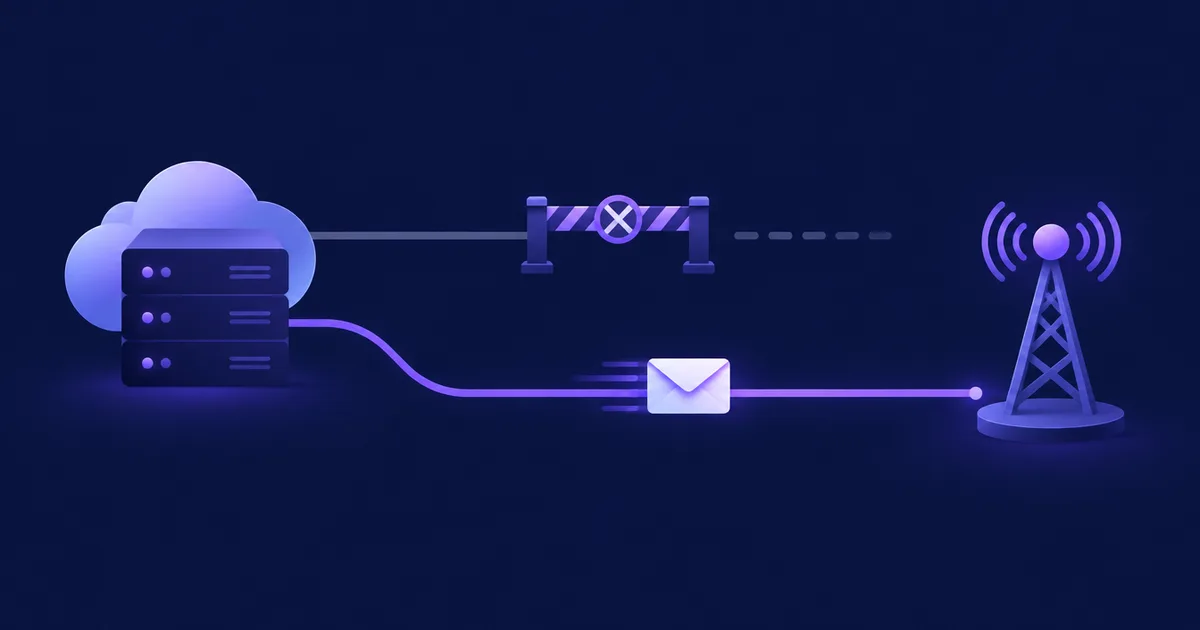
When "Protect Mail Activity" is on, Apple Mail downloads remote content, including tracking pixels, in the background by default, whether or not the recipient opens the message. Apple describes the fetch as going through two separate relays: the first sees the user's IP address but not the content, the second sees the content but not the IP address, so the sender only gets a generalised location (Apple: Mail Privacy Protection).
Apple announced the feature in June 2021 for iOS 15, iPadOS 15, macOS Monterey and watchOS 8, describing it as a way to stop senders using invisible pixels to collect information about the user (Apple Newsroom, June 2021). A few details matter for anyone reading open data:
- It is a per-user choice in the Mail app. Users are asked when they first open Mail after the update and can change it later in the Mail settings on iPhone, iPad or Mac. You cannot see who turned it on.
- It applies to the Apple Mail app, not to Apple devices. Someone reading Gmail in the Gmail app on an iPhone is not covered by MPP. Someone reading a Gmail or Outlook account inside Apple Mail is.
- The prefetch is not tied to reading. Content can be fetched when the message arrives, later, or several times. The timestamp of the "open" says nothing reliable about when a human looked at the email.
- The IP address is a relay address. Any geolocation derived from it describes a broad region, not the reader.
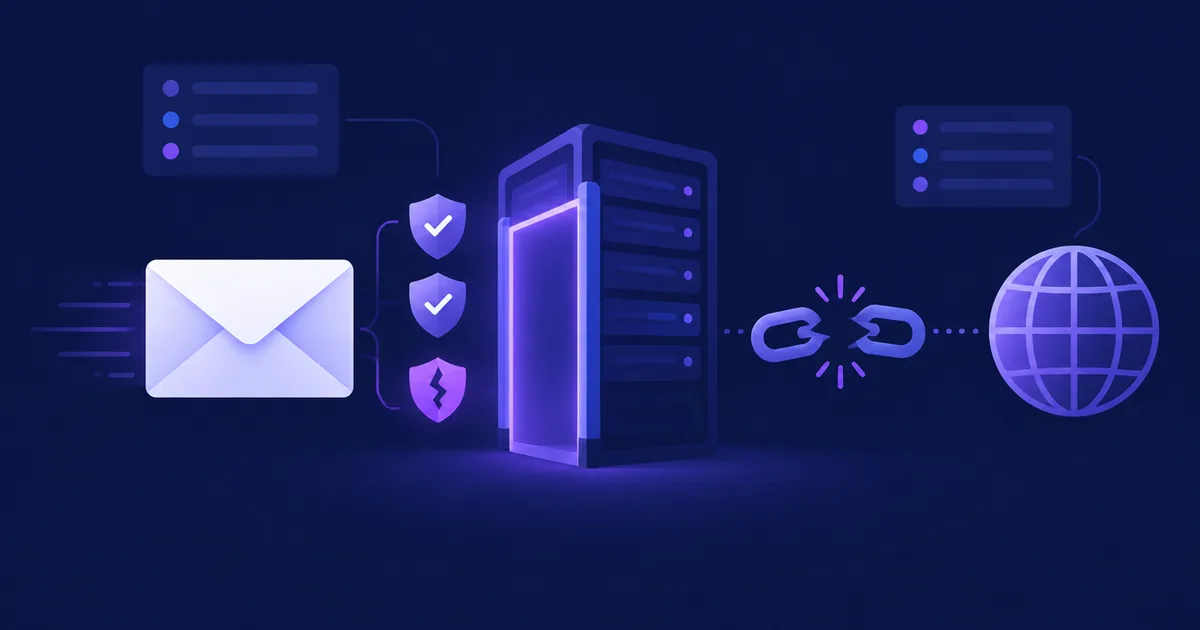
An open event recorded because software, not a person, requested the tracking pixel: a privacy proxy such as MPP, an image cache, a security scanner following links and images, or a preview pane. It is indistinguishable from a human open in a simple open count.
Which email metrics does MPP break?
Every metric or decision that assumes "pixel loaded = person read the email" breaks for MPP users: the open rate itself, open-triggered automations, subject-line A/B tests judged on opens, send-time optimisation, and location or device data derived from opens. Clicks, bounces, unsubscribes and complaints are not affected by MPP.
How large the distortion is depends on how many of your recipients read mail in Apple Mail with MPP on, which varies by audience. Litmus measures email client share from opens in its analytics product: in October 2026 Apple accounted for 75.84% of more than 1.7 billion opens, Gmail for 17.02% and Outlook for 3.49%, and Litmus notes that the Apple figure includes MPP opens, which it does not consider reliable (Litmus Email Client Market Share). Because MPP opens inflate Apple's share of opens, that number overstates Apple's share of readers, but it shows why your open count can be dominated by machine opens.
| Metric or feature | What MPP does to it | Use instead |
|---|---|---|
| Open rate (%) | ✗ Inflated; trend breaks when audience mix changes | Click rate, click-to-delivered (%) |
| Click-to-open rate (%) | ✗ Deflated, because the denominator is inflated | Clicks per delivered email |
| Subject-line A/B test on opens | ✗ Winner can be noise | Clicks or conversions per variant |
| Send-time optimisation | ✗ Open timestamps reflect prefetch | Click timestamps |
| "Resend to non-openers" | ~ Misses MPP users, who all look like openers | Resend to non-clickers |
| Location and device from opens | ✗ Relay IP, generic client | Data from signup form or clicks |
| Clicks, bounces, unsubscribes, complaints | ✓ Not affected by MPP | Keep using them |
As of November 2026. Security scanners can still create automated clicks; see below.
Mailchimp's documentation lists the same effects in its own product: open-triggered automations fire for a larger audience, "not opened" triggers reach a smaller one, resends to non-openers do not reach MPP contacts, and location-based segments shrink because IP addresses are hidden (Mailchimp: About Apple Mail Privacy Protection). Klaviyo warns that MPP opens can remove recipients from segments defined as "Opened Email zero times" (Klaviyo Help Center). These are the two failure modes to look for in your own setup: false positives (people counted as engaged) and missing negatives (inactive people who never show up as inactive).
Can you tell machine opens from human opens?
Partly. You can flag opens that look automated from the IP owner, the user agent and the timing, but there is no reliable per-open test, and Apple does not label its fetches as prefetches. Treat any classification as an estimate and never as proof that a person did or did not read the email.
Signals you can use
- Network owner of the IP. Look up the IP of an open with
whoisor an ASN lookup. Opens from Apple's or Google's networks are proxy fetches, not the reader's own connection. - User agent. Proxy fetches tend to send a generic or proxy-specific user agent instead of a full mail client string. Group your opens by user agent and look at the top entries; you will see the pattern for your own list quickly.
- Timing. A burst of opens within seconds or minutes of delivery, spread evenly across a large segment, is typical of prefetching and scanning rather than reading.
- Behaviour over time. A subscriber who "opens" every single email for a year and never clicks is more likely an MPP or scanner pattern than a loyal reader.
Where detection stops
An MPP user who really reads your email produces no extra signal: Apple already fetched the pixel, so a human open often looks identical to the machine open, or does not register at all. That is why ESPs that "exclude MPP opens" either drop those opens or replace them with modelled estimates; neither recovers what actually happened. Mailchimp, for example, lets you exclude open metrics from MPP contacts in reports for emails sent on or after 22 June 2024 (Mailchimp).
Inspecting your own open log
If your platform stores raw open events with IP address and user agent, a quick grouping shows how concentrated your opens are. The example below is for a MySQL database with an email_opens table (the schema NetSendo uses); adapt column names for other tools.
-- Top user agents for one message: how many opens, how many distinct subscribers
SELECT user_agent,
       COUNT(*)                      AS opens,
       COUNT(DISTINCT subscriber_id) AS subscribers,
       MIN(opened_at)                AS first_seen
FROM email_opens
WHERE message_id = 123
GROUP BY user_agent
ORDER BY opens DESC
LIMIT 20;
-- Subscribers who opened at least 5 emails in 180 days but never clicked
SELECT o.subscriber_id, COUNT(DISTINCT o.message_id) AS emails_opened
FROM email_opens o
LEFT JOIN email_clicks c
ON c.subscriber_id = o.subscriber_id
AND c.clicked_at >= NOW() - INTERVAL 180 DAY
WHERE o.opened_at >= NOW() - INTERVAL 180 DAY
AND c.id IS NULL
GROUP BY o.subscriber_id
HAVING emails_opened >= 5;The second list is not "fake" subscribers. It is the group whose engagement you cannot judge from opens, and the group your sunset rules should evaluate on other signals.
⚠️ Warning: If your tracking endpoint sits behind a reverse proxy or load balancer that is not configured as trusted, every open may be logged with the proxy's IP. Check that the logged IPs vary before you draw conclusions from them.
Does Gmail image caching distort opens too?
Yes, in a different way. Gmail loads images through Google's own servers instead of the reader's device, so senders do not get the reader's IP address, location or device from an open; Google states that senders "can't use image loading to get information about your computer or location" (Gmail Help).
The practical effects are:
- Location and device data from Gmail opens are meaningless, as with MPP.
- Repeat opens may be undercounted, because a cached image is not requested again every time.
- The first open per recipient is usually still recorded, as long as your pixel URL is unique per recipient and message, because the cache has to fetch it once.
- Google's proxy identifies itself in the user agent. Search your own open log for
GoogleImageProxyto see how many opens arrive through it.
Add corporate security gateways that fetch images and follow links before delivery, and you get the full picture: opens are a mix of human reads, privacy prefetches, caches and scanners, in proportions that change with your audience.
What should you measure instead of open rate?
Measure actions a machine does not take on the reader's behalf: clicks, replies, conversions and revenue, plus the negative signals that protect deliverability, namely complaints, unsubscribes and bounces. Use delivered emails, not opens, as the denominator.
| Metric | Formula | What it tells you |
|---|---|---|
| Click-to-delivered rate (%) | unique clickers ÷ delivered × 100 | How many recipients acted on the email |
| Reply rate (%) | replies ÷ delivered × 100 | Engagement for plain-text and sales emails |
| Conversion rate (%) | conversions ÷ delivered × 100 | Whether the email did its job |
| Revenue per email ($ or €) | attributed revenue ÷ delivered | Comparable value across campaigns of different size |
| Complaint rate (%) | spam reports ÷ delivered × 100 | Deliverability risk; Gmail and Yahoo set thresholds |
| Unsubscribe rate (%) | unsubscribes ÷ delivered × 100 | Fatigue and relevance |
As of November 2026.
Clicks are not perfectly clean either: security scanners at some companies follow every link in an email. The signs are the same as for machine opens, clicks on every link within seconds of delivery from a data-centre IP. Most teams accept that small distortion, because it is far smaller than the open distortion and concentrated in B2B audiences. If it matters for you, ignore clicks that happen within the first few seconds after delivery, or count only clicks on links a person has to choose between.
Complaint rate deserves a place in every report. Gmail and Yahoo's bulk sender requirements make it a hard limit, and our guide to email deliverability for self-hosted senders covers the thresholds and how to stay under them.
How do you rewrite open-based automations and sunset rules?
Replace "opened" with "clicked", "purchased" or "replied" wherever an automation takes a consequential action, and give every rule that relied on "not opened" a second test that MPP cannot satisfy. Keep opens only where a false positive is harmless.
- Inventory every rule that reads opens
List automations, funnel conditions, segments, lead-scoring rules, resend jobs and webhooks consumers that use open events. Mailchimp advises reviewing API webhooks as well, and the same applies to any platform that pushes open events to a CRM.
- Move triggers to clicks
"Opened the welcome email → send step 2" becomes "clicked any link in the welcome email → send step 2", with a time-based fallback for people who do not click, so that nobody gets stuck.
- Resend to non-clickers, not non-openers
A resend to non-openers skips most MPP users. A resend to non-clickers reaches them, at the cost of sending a second email to people who read the first one; change the subject line and keep the frequency low.
- Rebuild the sunset policy
"No open in 90 days → suppress" no longer works, because MPP users never stop "opening". Use "no click, purchase, reply or site visit in N days" instead, and send a re-permission email before suppressing.
- Re-weight lead scoring
Give opens a small score, or none, and move the weight to clicks, page visits and form submissions.
- Re-run A/B tests on clicks
Judge subject-line tests on click-to-delivered rate and give the test enough volume: click rates are lower than open rates, so you need more recipients per variant for the same confidence.
✅ Advantages
- Decisions follow real actions, not prefetches
- Sunset rules actually remove inactive addresses, which helps deliverability
- Metrics stay comparable as your audience's mail clients change
❌ Considerations
- Clicks are rarer, so tests need larger samples
- Plain-text and newsletter content with few links produces few clicks; add replies or on-site behaviour as signals
- Historic open-based baselines are no longer comparable
How should you report opens to stakeholders?
Report opens as a secondary, clearly labelled indicator, and lead with clicks, conversions, revenue and complaints. Write down the definition you use and keep it stable, so that a change in the number reflects your audience and content, not a change in method.
📋 Checklist
- Headline KPIs: click-to-delivered rate, conversions, revenue per email, complaint rate
- Opens shown as "opens (includes automated opens)", never as "people who read"
- If your tool can exclude MPP opens, say whether the number includes or excludes them
- No year-on-year open comparisons across the 2021 MPP launch
- A footnote explaining MPP and Gmail caching in one sentence each
- Unchanged metric definitions from report to report
Opens still have legitimate uses: a sudden drop in opens across all mailbox providers is an early sign of a deliverability problem, because spam-foldered or rejected emails are not prefetched. A collapse at a single provider points at that provider's filtering. Watch the trend per mailbox provider for that purpose, not the absolute number.
Open and click data in NetSendo
NetSendo records every open and click as a separate event with the message, the subscriber, the IP address, the user agent and a timestamp, in the email_opens and email_clicks tables of your own MySQL database, so the queries above run directly against a self-hosted installation (for example through docker compose exec db mysql -u netsendo_user -p netsendo_prod). As of version 2.11.3, the changelog lists no Apple MPP or bot-open filtering, so open counts in NetSendo include machine opens just like in most tools.
To move decisions away from opens:
- Automations can start on Link clicked instead of Email opened, optionally limited to one message or one link category.
- Funnels can wait for the conditions Email clicked or Specific link clicked rather than Email opened.
- Tracking can be switched off per mailbox or per message (since 2.2.0). Links then stay as written and no pixel is added, which suits plain-text or transactional email; opens and clicks of such mail are not counted and automations do not see them.
- Your data stays on your server, so you can join opens and clicks with purchases or CRM events yourself, or push click events to other tools through signed webhooks and the REST API.
📌 Key takeaways
- MPP prefetches remote content in the background, so Apple Mail opens do not mean reads.
- Gmail's image proxy hides location and device and can undercount repeat opens.
- Machine opens can be estimated from IP owner, user agent and timing, never proven.
- Base automations, resends, sunset rules and A/B tests on clicks, purchases and replies.
- Report opens as a labelled secondary metric and keep the definition stable.
🎯 Expert tips
A newsletter with a single obvious "read more" or "reply" action produces a cleaner engagement signal than one with twenty equal links.
Collect country or city on the signup form or in a preference centre; open-based geolocation is gone for both Apple Mail and Gmail readers.
A sharp fall in opens at one mailbox provider, with clicks falling too, is more useful as an alarm than the overall open rate is as a KPI.
When you switch sunset rules from opens to clicks, the first run flags many people at once. Send them one "do you still want these emails?" message with a single click to stay.
Frequently asked questions
Are email open rates still accurate after Apple Mail Privacy Protection?
No. Apple Mail with MPP downloads images and tracking pixels in the background, so opens from those users are recorded whether or not anyone read the email. Open rates are inflated and only useful as a directional signal.
Does Apple Mail Privacy Protection affect click rates?
No. MPP prefetches remote content such as images, but it does not click links, so clicks still reflect real actions. Corporate security scanners can add some automated clicks, which is a separate and smaller issue.
Can I filter out Apple MPP opens?
Only approximately. You can flag opens by the IP's network owner, the user agent and timing, and some ESPs exclude MPP opens from reports, but a real read by an MPP user cannot be told apart from Apple's prefetch.
What should I use instead of open rate?
Use click-to-delivered rate, reply rate, conversion rate, revenue per email, complaint rate and unsubscribe rate, all calculated against delivered emails rather than opens.
Should I still resend to non-openers?
Resend to non-clickers instead. A resend to non-openers skips most MPP users because they all appear to have opened, while a resend to non-clickers reaches them.
Sources
- Apple: Mail Privacy Protection
- Apple Newsroom: privacy features in iOS 15, iPadOS 15, macOS Monterey and watchOS 8 (June 2021)
- Litmus: Email Client Market Share (October 2026)
- Mailchimp: About Apple Mail Privacy Protection
- Klaviyo Help Center: Apple Mail Privacy Protection and open rates
- Gmail Help: Choose whether to show images
- NetSendo CHANGELOG
Keep your engagement data on your own server
NetSendo stores every open and click with IP and user agent in your own database, so you decide how to count them.