
Gmail clipped your email? How to stay under the 102 KB limit
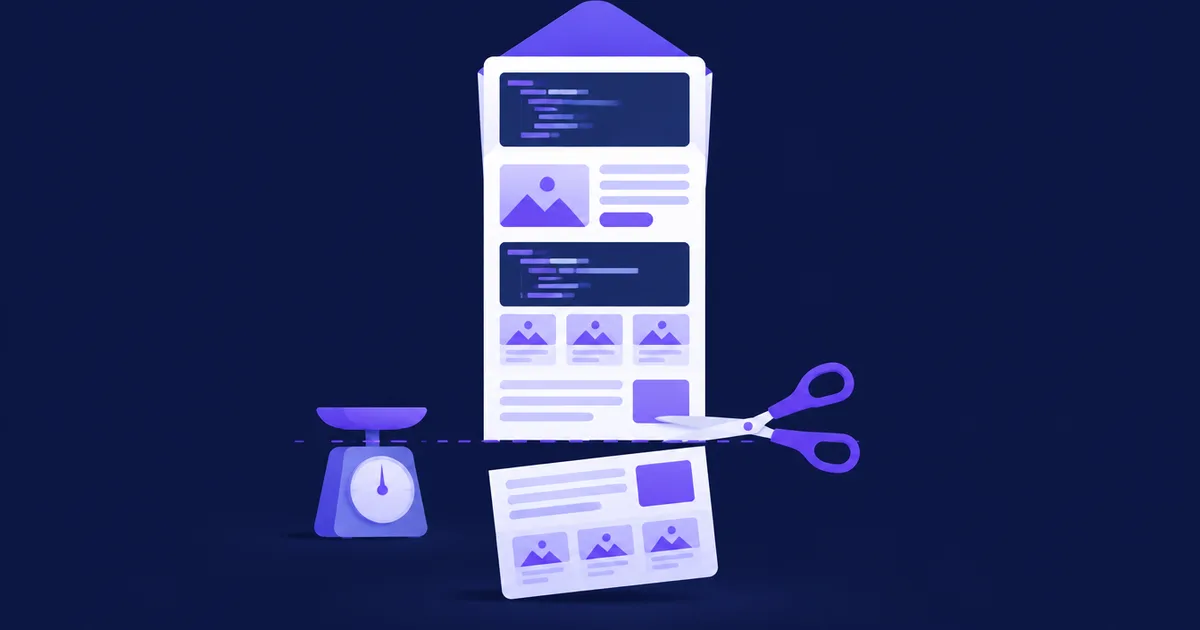
Gmail clips an email when the HTML part of the message grows past roughly 102 KB: it shows the top of the message, then "[Message clipped] View entire message" and hides the rest. Images hosted elsewhere do not count, but every character of HTML does, including inline CSS, tracking-rewritten links and base64-embedded images. To stay safe, measure the HTML of a real sent message, not the editor preview, and keep it under about 90 KB.
text/html part counts; headers, the plain-text part and linked images do not. Click tracking alone can add more than 100 bytes per link, so a message that weighs 80 KB in your editor can be clipped once it is sent. Clipping hides the unsubscribe link at the bottom and, if your open pixel sits at the end of the HTML, the open is not recorded until the reader expands the message.What is Gmail clipping and where does 102 KB come from?
Clipping is Gmail's way of handling long HTML messages: it renders the first part and replaces the rest with a "[Message clipped]" notice and a "View entire message" link that opens the full message in a new view. The reader cannot switch it off, and there is no setting on the sender's side either.
Google does not publish the threshold. Its email sender guidelines mention excessively large headers but give no body size limit. The 102 KB figure comes from years of testing by email developers and ESPs. Al Iverson of Spam Resource tested it in 2022 and found the cut-off at around 105 KB for quoted-printable or unencoded HTML, while a base64-encoded HTML part had to exceed 110 KB before Gmail clipped it. He still recommends 102 KB as the target, because it is safe across encodings.
Two more observations matter in practice:
- Clipping can happen well below 102 KB. Both Spam Resource and Email on Acid report clipped messages that were much smaller, usually traced to special characters (accented letters, ©, €) that the sending platform did not encode properly.
- Threads add up. When you send several test messages with the same subject, Gmail groups them into one conversation, and the combined thread can be clipped even if each message is small. Zoho Campaigns warns about this explicitly. Change the subject of each test send, or you will chase a problem your subscribers never see.
ℹ️ Note: Because the limit is undocumented, treat 102 KB as a ceiling you must stay well under, not a number to aim at. A working target of 90 KB leaves room for personalisation, longer names and links that differ per recipient.
What counts toward the 102 KB limit?
Only the HTML part of the message counts, measured after it is decoded from its transfer encoding. Iverson confirmed this by sending multipart messages with differently sized text and HTML parts: headers and the text/plain alternative did not move the threshold.
| Part of the message | Counts toward ~102 KB? | Notes |
|---|---|---|
| HTML markup, text and inline CSS | ✓ Yes | Every byte of the decoded text/html part |
<style> blocks in <head> | ✓ Yes | Part of the same HTML document |
Link URLs (href) | ✓ Yes | As sent, after click-tracking rewrites |
Images embedded as data: URIs | ✓ Yes | The whole base64 string sits inside the HTML |
Images linked from a server (<img src="https://…">) | ~ Only the tag | The file itself does not count, its <img> tag does |
| Plain-text alternative | ✗ No | Separate MIME part |
| Headers (From, DKIM-Signature, List-Unsubscribe…) | ✗ No | Gmail has separate header limits |
| Attachments | ✗ No | Separate MIME parts |
As of November 2026, based on the published tests linked above; Google does not document the rule.
Size is counted in bytes, not characters. Plain ASCII takes one byte per character, but in UTF-8 a Polish "ł" or a German "ü" takes two bytes and "€" takes three. A newsletter in a language with many accented letters is a little heavier than the same text in English.
What makes an email heavier than it looks?
Most clipped newsletters are not long because of their text; they are heavy because of code that the editor generates or that the sending platform adds after you press send. These are the usual culprits:
Repeated inline CSS
Email clients need styles inline, so builders repeat the full declaration on every cell, paragraph and link: font-family, font-size, line-height, color, padding. In a test message we built with 120 product rows, the inline style attributes alone took 16,920 bytes, more than the visible text.
Builder and MJML output
Drag-and-drop builders and frameworks such as MJML wrap each block in nested tables, Outlook-only conditional comments (<!--[if mso]>) and ghost tables. That markup is what makes the layout survive Outlook, so it is worth paying for, but it adds a few hundred bytes per section. MJML's documentation lists minify as off by default and keepComments as on by default, so unless you change them you send indented, commented HTML.
Click-tracking rewrites
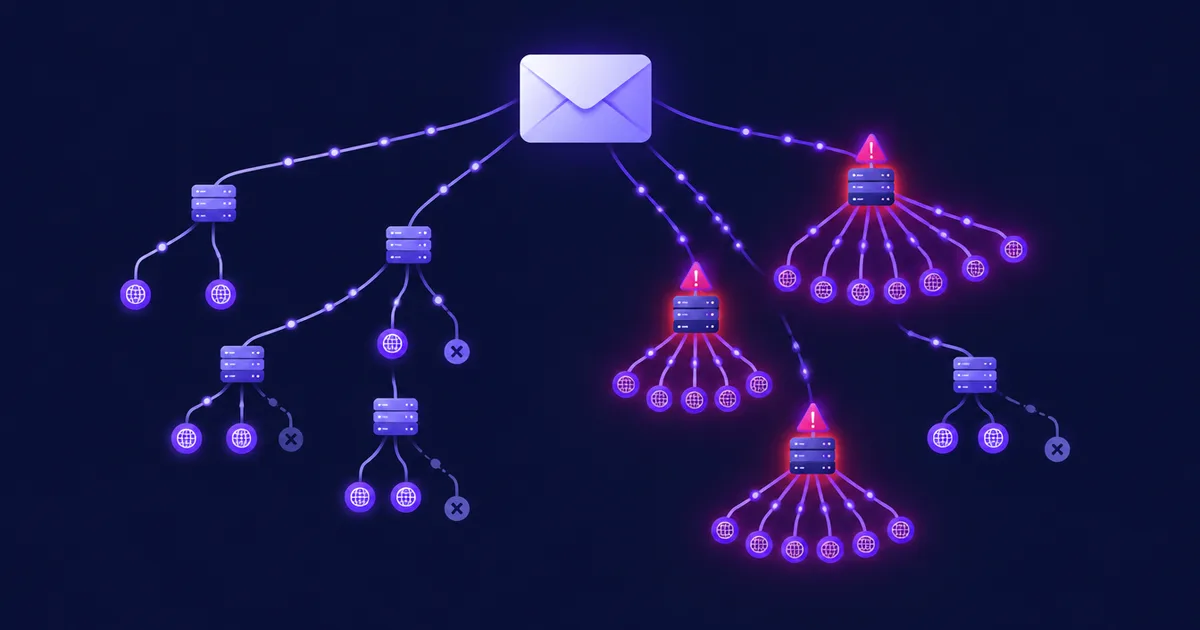
Click tracking replaces every link with a redirect through the sending platform, and the original URL is usually carried inside the new one, URL-encoded. We measured one example on 15 November 2026: a 108-character product URL with UTM parameters became a 243-character tracking URL, an extra 135 bytes. Across 120 links that added 16,200 bytes, taking the test message from 42.3 KB to 58.1 KB without changing a word of content.
Base64-embedded images
Some builders inline images as data: URIs. Base64 encodes every 3 bytes as 4 characters (RFC 4648), so a 30 KB logo becomes 40,000 characters of HTML. One embedded image can push a newsletter over the limit on its own.
Preheader padding and pasted formatting
The common trick of padding the preheader with ‌ pairs costs 12 bytes per pair, so 100 pairs add 1.2 KB. Text pasted from Word or Google Docs brings span tags, classes and font declarations with it, which Zoho also lists as a frequent cause.
| Source of weight | Typical cost (bytes) | How we got the number |
|---|---|---|
| Click-tracking rewrite of one link | +100 to +150 per link | Measured: 108 → 243 characters |
| 120 tracked links | +16,200 | Measured on a test message |
| Inline style on 120 table cells | 16,920 | Measured on the same message |
30 KB image as a data: URI | 40,000 | Base64 ratio 4:3 (RFC 4648) |
| 100 preheader padding pairs | 1,200 | 12 bytes × 100 |
As of November 2026; measured with the script below on synthetic test messages. Your numbers depend on your template and tracking domain.
How do you measure the real size of a sent email?
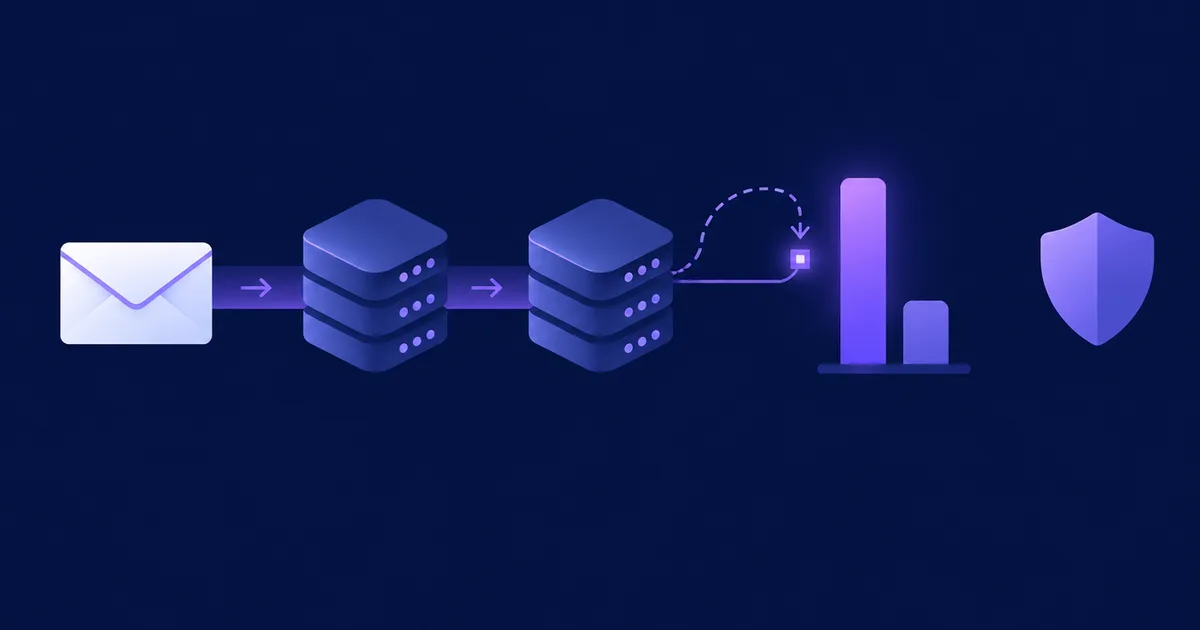
Measure the HTML part of a message that actually went through your sending platform, because tracking, personalisation and image processing happen after the editor. Send the campaign to a seed address, download the raw message, decode the HTML part and count its bytes.
- Send a real copy to yourself
Add a seed address to a small list and send the campaign through the normal pipeline. A "send test" button may skip link tracking or the open pixel, so it can understate the size.
- Download the raw message
In Gmail open the message, click the three-dot menu and choose "Download message" to get an
.emlfile. As Parcel points out, the size of that file overstates the weight, because it includes headers, the text part and the transfer encoding. - Measure only the decoded HTML part
Run the script below on the
.eml. It uses only Python's standard library.
#!/usr/bin/env python3
# html_weight.py - measure the HTML part of a sent message (.eml)
import sys, re, email
from email import policy

with open(sys.argv[1], "rb") as f:
    msg = email.message_from_binary_file(f, policy=policy.default)
part = msg.get_body(preferencelist=("html",))
if part is None:
    sys.exit("No text/html part found")

html = part.get_content()            # decoded from base64 / quoted-printable
size = len(html.encode("utf-8"))
kb = size / 1024

hrefs = re.findall(r'href="([^"]*)"', html, re.I)
inline = re.findall(r'style="([^"]*)"', html, re.I)
blocks = re.findall(r"<style[^>]*>(.*?)</style>", html, re.S | re.I)
data_uris = re.findall(r'src="(data:[^"]*)"', html, re.I)
non_ascii = sum(1 for ch in html if ord(ch) > 127)

def row(label, value):
    print(f"{label:<20}{value}")

row("Transfer encoding", part.get("Content-Transfer-Encoding", "7bit"))
row("HTML size", f"{size:,} bytes ({kb:.1f} KB)")
row("Links", f"{len(hrefs)} ({sum(map(len, hrefs)):,} bytes in URLs)")
row("Inline styles", f"{sum(map(len, inline)):,} bytes")
row("<style> blocks", f"{sum(map(len, blocks)):,} bytes")
row("data: URIs", f"{len(data_uris)} ({sum(map(len, data_uris)):,} bytes)")
row("Non-ASCII chars", non_ascii)
if kb > 102:
    row("Verdict", "over 102 KB: expect Gmail to clip")
elif kb > 90:
    row("Verdict", "90-102 KB: too close, trim it")
else:
    row("Verdict", "under 90 KB: OK")
python3 html_weight.py newsletter.emlOutput for our 120-link test message after click tracking:
Transfer encoding   quoted-printable
HTML size           59,495 bytes (58.1 KB)
Links               120 (28,450 bytes in URLs)
Inline styles       16,920 bytes
<style> blocks      0 bytes
data: URIs          0 (0 bytes)
Non-ASCII chars     120
Verdict             under 90 KB: OK
The breakdown tells you where to cut: if most bytes sit in URLs, shorten links or switch off tracking on the ones you do not need; if they sit in inline styles, minify or simplify the template; any data: URI is a candidate for hosting the image instead. A high count of non-ASCII characters combined with clipping at a low size points to an encoding problem rather than a weight problem.
💡 Tip: If you only have the HTML file from your build step, wc -c newsletter.html gives its byte count. Remember to add the tracking overhead for every link before you compare it with 102 KB.
Why does clipping matter?
Clipping hides whatever is at the end of the HTML, and at the end of most newsletters are the unsubscribe link, the legal footer and, on many platforms, the open-tracking pixel.
The unsubscribe link disappears
Google's sender guidelines require anyone sending more than 5,000 messages a day to Gmail to support one-click unsubscribe and to include a clearly visible unsubscribe link in the message body. The US CAN-SPAM Act requires a clear and conspicuous explanation of how to opt out. A footer link hidden behind "View entire message" is hard to call conspicuous, and a reader who cannot find it is more likely to press "Report spam" instead. The one-click List-Unsubscribe header (see our guide to RFC 8058 one-click unsubscribe) still works, because Gmail shows its own unsubscribe button from the header, but it does not replace the link in the body. This is not legal advice.
Opens go missing
Where the pixel sits decides what happens. A pixel at the top of the HTML still loads; a pixel appended before </body> does not load until the reader clicks "View entire message", so a clipped campaign reports fewer opens than it really had. Open rates are already distorted by privacy features, as we explain in what Apple Mail Privacy Protection does to open rates; clipping adds a second, Gmail-only distortion.
The bottom of the message is never seen
The content below the cut, often the secondary stories, the offer or the signature, is seen only by people who click through. Clicks on "View entire message" are not tracked as link clicks either.
How do you get an email under 102 KB?
Start with the changes that remove the most bytes for the least risk: minify, delete unused CSS, simplify links, then shorten the content if you still need to.
1. Minify, but keep Outlook's conditional comments
Removing indentation, line breaks and comments typically saves a noticeable share of the file. Use a minifier built for email: Email on Acid warns that general-purpose minifiers strip the <!--[if mso]> comments that Outlook needs. If you build with MJML, its documented option is:
npx mjml newsletter.mjml --config.minify true -o newsletter.htmlCheck the result in Outlook for Windows before you rely on it.
2. Remove CSS nobody uses
Templates accumulate classes for blocks you deleted long ago. Parcel measured a 7% reduction from removing unused CSS alone. Also look for declarations that repeat the defaults, such as margin:0;padding:0 on every cell inside a table that already resets them.
3. Make links cheaper
- Drop UTM parameters you do not analyse, and use short UTM values (
utm_campaign=nov15instead of a full campaign title). - Do not link the image, the headline and a "Read more" button to the same URL; one or two links per item are enough.
- Turn off click tracking on links you never report on (social icons, the logo, the web version).
- Avoid third-party URL shorteners: they hide the destination from the reader and add a dependency on someone else's domain.
4. Host images instead of embedding them
Replace every data: URI with an image served over HTTPS. The file size then no longer counts toward the limit; only the <img> tag does.
5. Cut or split the content
If the trimmed template still lands above 90 KB, the issue is too long for one email. Show the first paragraph of each story with a link to the full article, move archives and "more news" sections to the web, or send two shorter issues. A digest with 15 stories rarely gets all 15 read anyway.
6. Fix encoding when small messages are clipped
If a 40 KB message is clipped, look at the transfer encoding and special characters before you cut anything. Make sure the HTML is sent as UTF-8 with quoted-printable or base64 encoding, and that characters such as © are not sent raw in a 7-bit message.
✅ Advantages of a lighter email
- The unsubscribe link and footer are always visible
- Open tracking is not undercounted in Gmail
- Faster loading on mobile connections
❌ Considerations
- Aggressive minifying can break Outlook layouts
- Fewer tracked links means less click data
- Shorter issues need a good web archive
What should a pre-send size check look like?
A size check takes two minutes once it is routine: send a real copy, measure the HTML, compare against your budget, and look at the bottom of the message in Gmail.
📋 Checklist
- Send the campaign through the normal pipeline to a seed address on Gmail, with a subject not used before
- Download the message and run
html_weight.pyon it - HTML under 90 KB; between 90 and 102 KB, trim before sending
- No
data:URIs unless you meant them - Open the message in Gmail on desktop and mobile: no "[Message clipped]" notice, footer and unsubscribe link visible
- Personalised fields tested with a long name and a long company name
- Check the result once in Outlook if you minified the HTML
Deliverability problems tend to come in clusters, so it is worth running this check alongside authentication and list hygiene. Our email deliverability guide for self-hosted senders covers the rest of the pre-send checks.
Checking message size in NetSendo
NetSendo's visual builder turns blocks into MJML and compiles it with the mjml-browser library using default options, so the HTML is not minified. When you send a campaign, NetSendo rewrites links to its /t/click/… address with the original URL as a parameter and appends a 1×1 open pixel just before </body>. In a clipped Gmail message that pixel is below the cut, so the open is recorded only when the reader expands the message. Images marked with the img_to_b64 class are converted to base64 data URIs at send time, which is handy for small icons and expensive for photos.
Two things follow from the code (version 2.11.4):
- The editor's "send test" is lighter than the campaign. Test sends go out without link rewriting, the open pixel or base64 conversion. To measure what subscribers get, add a seed address to a small list and send the real campaign to it, then run the script above.
- You can switch tracking off where you do not need it. Since version 2.2.0 click and open tracking can be turned off per mailbox and per message, and individual links can be excluded in Tracked links. Links containing "unsubscribe",
mailto:andtel:links are never rewritten, and NetSendo adds the RFC 8058List-Unsubscribeheader pair to list mail, so Gmail's own unsubscribe button keeps working even when the footer is clipped.
NetSendo itself sets no size limit; the delivery rules belong to the receiving mailbox providers. Installation is described in the quickstart, and mailbox settings in the configuration docs.
🎯 Expert tips
The threshold is undocumented and varies with encoding. A 12 KB margin absorbs long names, extra products and a template change nobody told you about.
Log the HTML size of each campaign next to its stats. A template that creeps from 60 to 95 KB over a year is easier to fix before it starts clipping.
A small "manage preferences" link in the header gives readers a way out even if the footer is clipped. Keep the full unsubscribe link in the footer as well.
Gmail threads messages with the same subject, and a thread of five test sends can be clipped while a single email is not.
Frequently asked questions
What is the Gmail clipping limit?
Gmail clips messages whose HTML part is larger than about 102 KB. Google does not document the number; it comes from independent tests, which found the real cut-off between roughly 102 and 110 KB depending on transfer encoding.
Do images count toward Gmail's 102 KB limit?
Images linked from a server do not count, only their img tags do. Images embedded as base64 data URIs count in full, and base64 makes them about a third larger than the original file.
How do I check the size of my email for Gmail?
Send the real campaign to a Gmail seed address, use Download message to save the .eml file, and measure only the decoded HTML part. The size of the .eml file itself is too high because it includes headers and the text part.
Why is my email clipped in Gmail when it is under 102 KB?
Usually because of special characters that were not encoded properly, or because Gmail grouped several test messages with the same subject into one thread. Check the transfer encoding and send each test with a new subject.
Does Gmail clipping affect open rates?
It can. If the open-tracking pixel sits at the end of the HTML, it loads only when the reader clicks View entire message, so clipped messages report fewer opens.
Sources
- Spam Resource: What is Gmail clipping and what to do about it
- Email on Acid: Gmail email clipping
- Parcel: Guide to troubleshooting Gmail clipping
- Zoho Campaigns: How to prevent Gmail from clipping your emails
- MJML documentation
- RFC 4648: The Base16, Base32, and Base64 Data Encodings
- Google Workspace Admin Help: Email sender guidelines
- FTC: CAN-SPAM Act compliance guide for business
Measure what your subscribers really receive
NetSendo runs on your own server, so you can inspect every message exactly as it was sent.