NetSendo v2.12.4: Laravel 13.43 & Stable AI Connector
Updating dependencies is easy to put off. It rarely adds a visible feature, and a single library change can break an integration you depend on every day. If you use AI assistants to manage your lists, campaigns or subscribers through NetSendo, the AI connector at /mcp is one of those integrations.
NetSendo v2.12.4, released on 2026-11-23, is a maintenance release. It moves the platform's PHP dependencies to newer minor versions, including Laravel 13.43 and laravel/mcp 1.2.1. It also makes sure your AI connector keeps working after the MCP library changed how it handles tool calls.
/mcp AI connector fail with an internal error. The list of tools that AI clients see is unchanged, so your clients need no reconfiguration.🚀 What's New in v2.12.4
AI Connector Fix
Tool calls through /mcp keep working with laravel/mcp 1.2.1.
Fresher Dependencies
Laravel 13.43 and the core packages are updated within their minor versions.
Updated Dev Tooling
Pail, Pint, Sail and Collision are updated for contributors and self-hosters who customize NetSendo.
The AI Connector (/mcp) Keeps Working
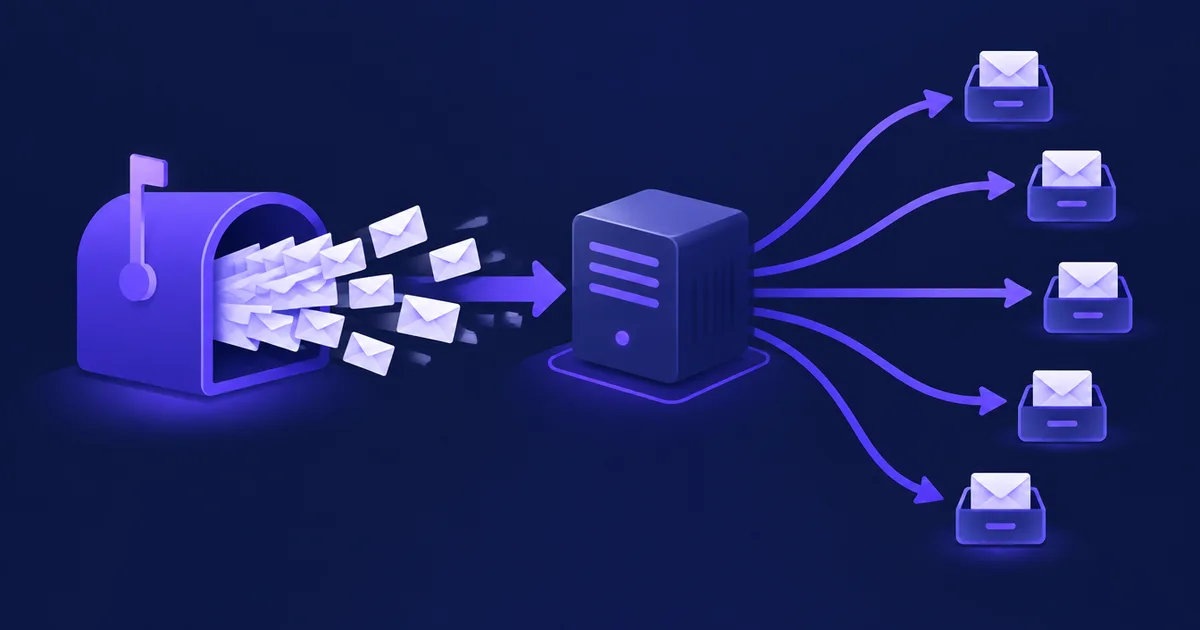
NetSendo's AI connector uses the Model Context Protocol (MCP). Compatible AI clients connect to the /mcp endpoint, see a list of available tools, and call those tools to work with your NetSendo instance.
Think of it like a restaurant menu and a kitchen. The menu (the list of tools) tells the AI client what it can order. The kitchen (the tool call) has to understand each order when it arrives. laravel/mcp 1.2.1 changed how the kitchen reads orders: it now reads a tool's input schema as an array when the tool is called.
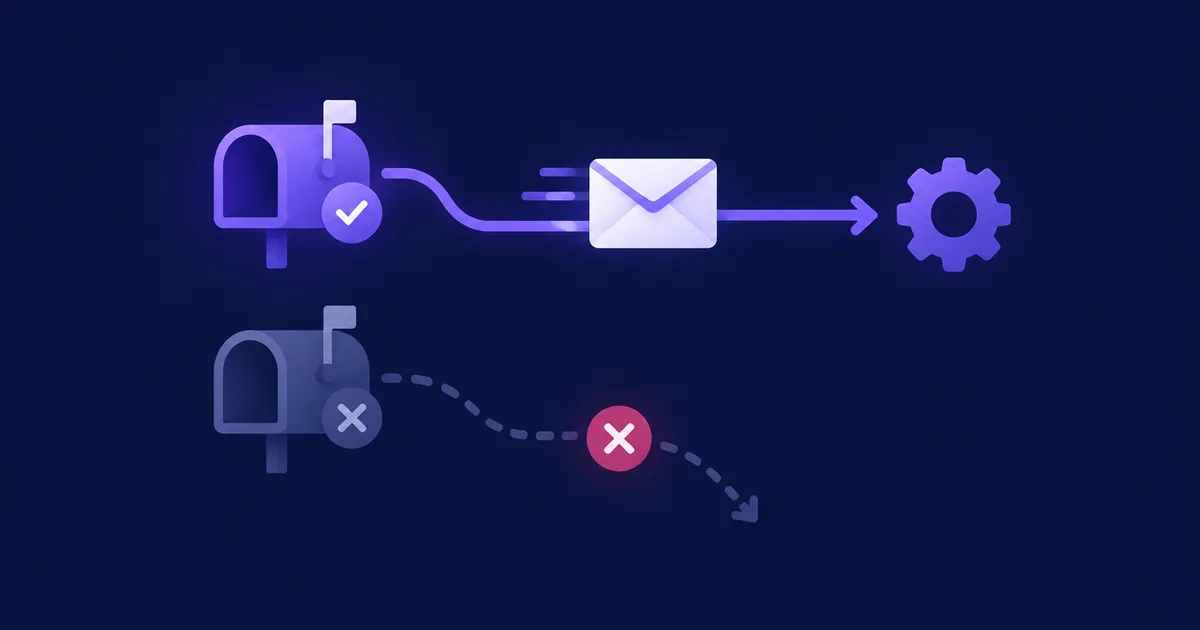
Without changes to NetSendo, the menu would have looked fine, but every tool call would have failed with an internal error. v2.12.4 adjusts NetSendo to the new behavior, so tool calls keep working.
ℹ️ Note: The list of tools that clients see is unchanged. You don't need to update your AI client configuration, prompts or saved workflows after upgrading.
Dependency Updates
All updates stay within their minor versions, so they're low-risk and backward-compatible:
- Laravel 13.43: the framework behind NetSendo
- laravel/mcp 1.2.1: the library behind the AI connector
- Reverb 1.14: real-time WebSocket communication
- Sanctum 4.5: API token authentication
- spatie/laravel-backup 10.5: application backups
- Tinker 3.2, Ziggy 2.7 and Scramble 0.13.55 (API documentation)
- Development tools: Pail, Pint, Sail and Collision
💼 Benefits & Use Cases
A self-hosted platform gives you full ownership of your data and no vendor lock-in. It also makes you responsible for staying current. Releases like this one let you upgrade without losing the integrations you've built.
E-commerce: AI-Assisted Campaign Management
If your team asks an AI assistant to check list sizes or prepare a post-purchase campaign, every request becomes a tool call. With v2.12.4:
- Those calls keep working after the library update
- Abandoned cart and post-purchase workflows that use the assistant stay uninterrupted
- Your customer data stays on your own server
SaaS: Onboarding and Churn Prevention
SaaS teams often let AI agents segment users or review onboarding sequences. Up-to-date Sanctum and Laravel versions keep API authentication current, and a stable MCP connector means agents never hit internal errors in the middle of a task.
Agencies: Multi-Client Instances
Agencies that run several NetSendo instances can roll out v2.12.4 everywhere with confidence:
- Minor-version updates mean no breaking changes for clients
- No AI client needs reconfiguration
- Newer backup tooling (spatie/laravel-backup 10.5) protects each client's data
🛠️ Step-by-Step Upgrade Guide
- Back Up Your Instance
Before upgrading, back up your database and storage. Your existing backup routine or the built-in backup tooling works well for this.
- Pull the New Version
For a typical Docker installation, pull the latest images and restart the stack:
docker compose pull
docker compose up -d
Check the documentation for steps specific to your deployment method.
- Verify the Application
Log in to the dashboard, open a few lists and campaigns, and check that real-time updates still appear as expected.
- Test the AI Connector
In your AI client, start a new session connected to
/mcp. Check that the tool list loads, then run a simple read-only tool, such as listing your mailing lists. It should succeed without an internal error. - Monitor the Logs
Watch your application logs for a short while after the upgrade to catch anything unexpected.
⚠️ Common Pitfall: If you updatedlaravel/mcpto 1.2.1 yourself (for example, by runningcomposer updateon an older NetSendo version), AI tool calls will fail with internal errors. To fix this, upgrade NetSendo to v2.12.4 instead of updating individual packages.
🎯 Expert Tips
NetSendo releases are tested as a whole. Updating one dependency by itself can cause problems like the MCP schema change this release handles.
Save a short prompt that runs one or two read-only tools. Run it after every upgrade to confirm the connector works from start to finish.
If you manage several instances, upgrade a staging copy first. This matters most for agencies with many clients.
Whenever you touch your AI and API integrations, it's a good time to review and rotate access tokens.
Schedule regular backups and occasionally test a restore. A backup you've never restored isn't a backup you can rely on.
✅ Conclusion
NetSendo v2.12.4 is a small release with practical value. It keeps your platform current with Laravel 13.43 and its core packages. It also makes sure your AI connector keeps working with laravel/mcp 1.2.1, with no changes needed on the client side.
Key takeaways:
- All dependency updates stay within their minor versions and are low-risk
- Tool calls through
/mcpwork with laravel/mcp 1.2.1 - The tool list is unchanged, so your AI clients need no reconfiguration
You can find more integration options on our integrations page.
Ready to Upgrade?
Upgrade to NetSendo v2.12.4 today and keep your self-hosted marketing stack up to date: