Email sales funnel: stages, types and how to build one
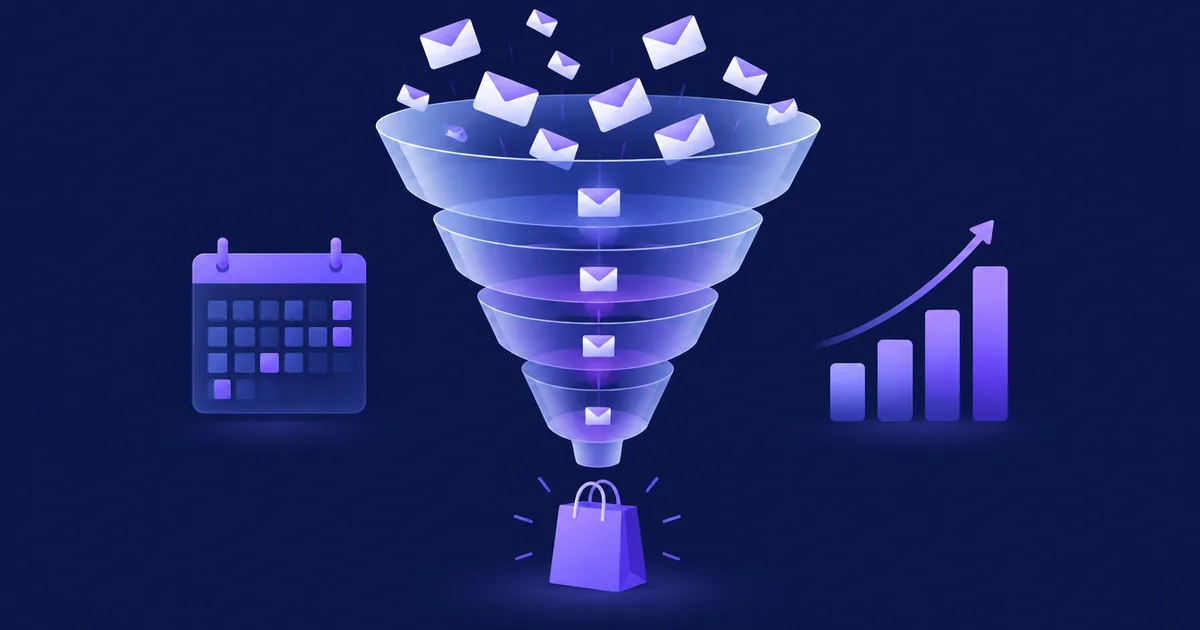
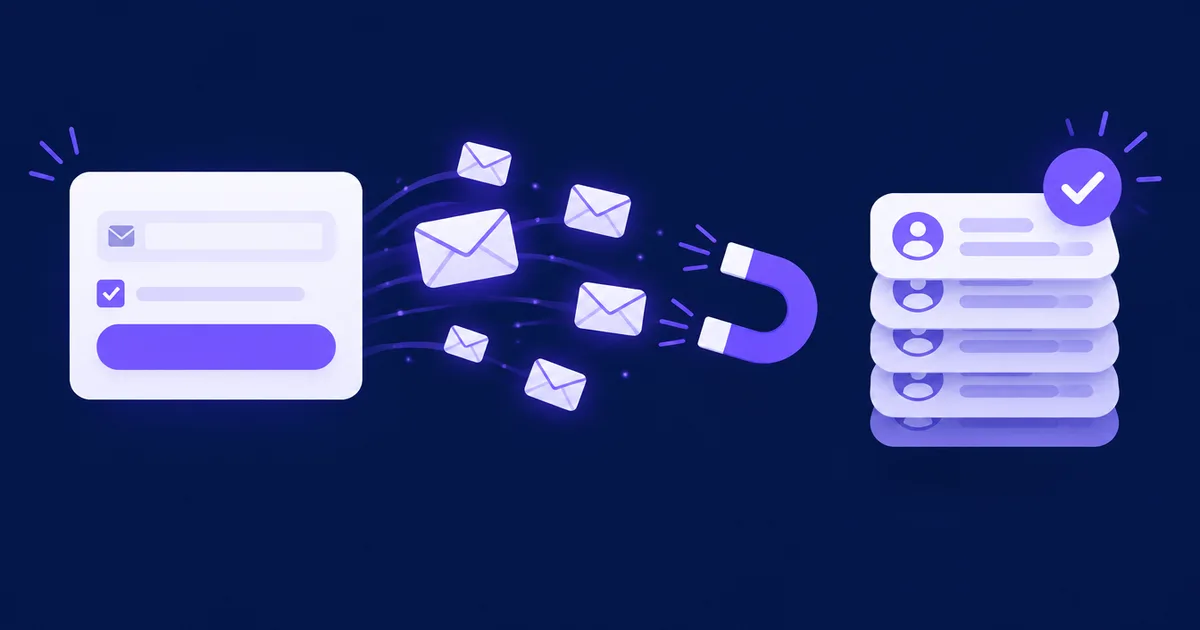
To build an email sales funnel, decide on one offer, give away something small that only people interested in that offer would want, collect the address with a signup form, send a short sequence that teaches and earns trust, then make the offer with a real deadline. After the purchase, the funnel continues: buyers get onboarding emails, and people who did not buy return to your regular newsletter instead of hearing the same pitch forever.
What is a sales funnel? (an offline example first)
A sales funnel is the sequence of steps a person goes through from first noticing your business to buying from you, drawn as a funnel because fewer people reach each next step. Every business has one, whether or not anyone designed it.
Take a hair salon on a busy street:
- Awareness
Someone walks past and notices the window, or a friend mentions the place.
- Interest
They step in and ask about prices, or look at the price list in the window.
- Decision
They take a card, compare with their usual salon, and book a first appointment.
- Purchase
They get the haircut and pay.
- Retention
At the till they are offered the next appointment in six weeks, or they get a text reminder when it is time to come back.
Most people who walk past never come in, and the owner cannot follow them home. Online, email fills that gap: a visitor who reads one article and leaves is lost, unless they gave you their address in exchange for something useful. Then you can keep the conversation going for weeks.
A planned series of emails that takes a new subscriber from the first contact (usually a lead magnet) to a purchase decision, and then continues with onboarding or follow-up depending on whether they bought.
An email funnel does not replace traffic from search, social media, ads or events; it turns a short visit into a relationship, and a relationship into a sale. If you do not have a list yet, start with how to build an email list from scratch, which covers forms, lead magnets and consent in detail; this article assumes people are already signing up.
What are the stages, and what does email do at each one?
The classic stages are awareness, interest, decision, purchase and retention, and email does a different job at each: it barely touches awareness, carries most of the weight in interest and decision, closes the purchase, and keeps customers coming back.
| Stage | What the person thinks | Job of email | Typical emails | Main metric |
|---|---|---|---|---|
| Awareness | "I have a problem" or "this looks interesting" | ✗ None directly: the person is not on your list yet | Your content, ads and forms do the work; the email address is the exit from this stage | Visitors, signup conversion rate (%) |
| Interest | "Can these people help me?" | ✓ Deliver the promise, show competence | Welcome email with the lead magnet, 1–3 teaching emails | Click rate (%) |
| Decision | "Is this right for me, and why now?" | ✓ Answer objections, present the offer | Case or worked example, FAQ and objections, offer email | Clicks to the offer page (%) |
| Purchase | "Okay, I'll buy" | ~ Remind and remove friction | Reminder before the real deadline, abandoned-checkout email | Conversion rate from email (%) |
| Retention | "Was it worth it? What next?" | ✓ Onboard, get results, sell again | Order confirmation, onboarding series, review request, next offer | Repeat purchase rate (%), unsubscribes (%) |
As of November 2026. Stage names follow the common five-step model; other models merge interest and decision ("consideration") or split retention into adoption and advocacy.
The stages are not strictly linear. Some people buy after the first email because they arrived ready; others read for months and buy a year later. That is why the funnel needs two exits besides the purchase: people who did not buy go to the regular newsletter (they can still buy later), and people who buy leave the sales path at once (nobody wants a "last chance" email for something they bought yesterday).
Which type of funnel do you need?
Choose the funnel by how people buy what you sell: a lead magnet funnel for most products and services, a webinar funnel when the offer needs explaining, a launch funnel for things sold in rounds, a tripwire for turning subscribers into first-time buyers, and a re-engagement funnel for an existing list that went quiet.
| Funnel type | Entry point | Example length (days) | Best for | Watch out for |
|---|---|---|---|---|
| Lead magnet funnel | Free checklist, template, mini-course | 10–14 | Courses, services, software, most e-commerce | A lead magnet unrelated to the offer fills the list with people who will never buy |
| Webinar funnel | Registration for a live or recorded session | 7–10 (registration to offer close) | Higher-priced offers that need a demonstration | Show-up rate; honest labelling of recorded sessions |
| Product launch | Waitlist or pre-launch content | 14–21 (content, open cart, close) | Cohort courses, limited production runs, seasonal products | The cart close must be real; otherwise the next launch loses credibility |
| Tripwire / one-time offer | A low-priced first product right after signup or purchase | 0–3 | Turning subscribers into customers quickly | "One-time" must mean the offer will not be shown again |
| Re-engagement | Subscribers with no clicks for months | 7–14 | Old lists, before a big launch | Remove people who do not respond; do not keep mailing them |
As of November 2026. The lengths are working examples to start from, not benchmarks; adjust them to your price and sales cycle.
The webinar funnel has its own timing rules (registration, reminders, replay, offer) and is covered step by step in our guide to the webinar email funnel for live and evergreen webinars. The rest of this article uses the lead magnet funnel, because it is the one most businesses should build first.
Tripwires and one-time offers
A tripwire is a small paid product (a template pack, a workshop recording) offered right after signup at a low price. Its job is not profit; it turns a subscriber into a customer, and customers buy again more readily than strangers. A one-time offer (OTO) is the same idea shown after a purchase, on the thank-you page or in the confirmation email. Both work only if they are honest: if the page says "this price is only available now", the same price must not reappear in next week's newsletter.
How do you build an email sales funnel in 5 steps?
Work backwards from the sale: define the offer, design a lead magnet that attracts buyers of that offer, set up the signup, write the nurture sequence with timing, then write the sales emails. Build it once, test it with yourself as the first subscriber, then let it run.
- 1. Pick one offer and one reader
A funnel sells one thing to one kind of person. Write down the offer, its price, who it is for, the result it promises and the three most common reasons people hesitate. Those reasons become your nurture emails. If you sell several products, build one funnel for the entry product first.
- 2. Design a lead magnet that points at the offer
The lead magnet should solve a small part of the problem your offer solves completely. A bookkeeping service gives away "a monthly closing checklist for sole traders"; an online course on sourdough gives away "a 3-day starter schedule". A generic prize ("win an iPad") brings addresses but not buyers.
- 3. Set up the signup
A form that says what people get and what you will send afterwards, a separate unticked consent checkbox where your country requires it, double opt-in on the list, and a thank-you page that tells people to check their inbox. Our list-building guide covers form placement and consent wording.
- 4. Write the nurture sequence with timing
Three to five emails over about a week: deliver the lead magnet on day 0, then teach one useful thing per email, each one ending with a single clear link. Each email should answer one of the objections you wrote down in step 1, without selling yet.
- 5. Write the sales emails
Two to four emails: the offer (what it is, for whom, the price, what happens after buying), the answers to the remaining questions, and a reminder before a deadline that really exists. Then route people out: buyers to onboarding, everyone else to the newsletter.
💡 Tip: Write the sales email first. Once you know exactly what you will ask for on day 8, it is much easier to see which teaching emails on days 2–6 actually prepare the reader for it.
How many emails, and how far apart?
There is no universal number. A useful starting point is 6–8 emails over 10–14 days: tight enough that the lead magnet is still fresh, loose enough not to feel like a campaign. Cheaper, simpler products can go shorter; expensive services and B2B offers need longer, with more examples and fewer sales emails. Whatever you choose, send at a consistent hour and say in the welcome email how often you will write.
What does a funnel email sequence look like, day by day?
A typical lead magnet funnel sends the lead magnet immediately, teaches for about a week, opens the offer around day 8, closes it on a real date around day 12, and then splits buyers from non-buyers. Here is a complete example for an online course on bookkeeping for freelancers.
| Day (after signup) | Subject line | Goal | Single call to action |
|---|---|---|---|
| 0 | Your monthly closing checklist (PDF inside) | Deliver the lead magnet, set expectations: what you will send and how often | Download the checklist |
| 1 | The 3 receipts freelancers lose most often | Quick win: one useful fix they can apply today | Read the 2-minute guide |
| 3 | How Anna closes her month in 40 minutes | Worked example of the method (a realistic scenario, labelled as an example) | See the full walkthrough |
| 5 | "I'm bad with numbers" (and why that's fine) | Answer the main objection | Reply with your biggest question |
| 8 | The course is open: 6 lessons, €149 | Offer: content, price, who it is not for, refund terms | See the course page |
| 10 | Your questions about the course, answered | FAQ from replies; remove remaining friction | Enrol |
| 12 | Enrolment closes tonight at 23:59 CET | Reminder before a real, published deadline | Enrol before the deadline |
| 13+ | Buyers: "Start here: lesson 1" / non-buyers: regular newsletter | Onboarding for buyers; no further pitch for non-buyers | Open lesson 1 / none |
As of November 2026. An illustrative sequence; the person, product and price are examples, not data.
Three details make the difference. First, every email has one call to action, so you can measure what each one does. Second, the replies to the day-5 email are the best source of the day-10 FAQ: you answer real questions in the readers' own words. Third, the day-12 deadline has to be a deadline: after 23:59 the price or the enrolment really ends. If you run the funnel as an evergreen sequence, set the deadline per subscriber and honour it; see the urgency section below.
What about people who click but don't buy?
Someone who clicked the offer on day 8 and did not buy is different from someone who never opened the emails. Send the clickers the day-10 FAQ email; send the rest a shorter reminder or nothing at all. Branching on clicks needs a tool with conditions; a plain autoresponder sends everyone the same thing. In both cases, stop the sales emails the moment someone buys.
How do you measure a funnel and find the leaks?
Measure one number per stage: signup conversion for the form, confirmation rate for double opt-in, click rate for the nurture emails, click-to-offer and conversion rate for the sales emails, and unsubscribes and complaints for the whole sequence. The stage with the biggest drop compared with the previous one is your leak.
| Stage | Metric (formula) | Typical leak | First thing to fix |
|---|---|---|---|
| Signup | Signup conversion (%) = signups ÷ visitors of the page with the form | Vague promise, too many fields, form below the fold | Name the lead magnet and its result in the headline |
| Confirmation | Confirmation rate (%) = confirmed ÷ signups | Confirmation email in spam or unclear | Authentication (SPF, DKIM, DMARC), a plain subject such as "Confirm your subscription" |
| Nurture | Click rate (%) = unique clickers ÷ delivered | Emails that do not deliver on the lead magnet's promise | One useful point and one link per email |
| Offer | Click-to-offer (%) = unique clicks to the offer page ÷ delivered | The offer does not match what the sequence taught | Rewrite the bridge between the last teaching email and the offer |
| Purchase | Conversion (%) = buyers ÷ people who entered the funnel | Offer page, price, checkout friction | Test the checkout yourself on a phone |
| Whole funnel | Unsubscribe and complaint rate (%) per email | Too many sales emails, wrong audience | Fewer sales emails; a better-matched lead magnet |
As of November 2026. Compare your own funnel month to month; industry averages say little about your offer.
Two warnings about the numbers. Open rates are no longer a reliable signal: Apple Mail Privacy Protection loads images for many readers whether or not they read the email, so opens are overstated. Our article on what open rates still tell you after Apple MPP explains why clicks and replies are the better measure. Second, complaints matter more than unsubscribes: Google's email sender guidelines ask bulk senders to keep the spam rate reported in Postmaster Tools below 0.3% and recommend staying under 0.1%. A funnel that pushes too hard shows up there first. Before you send funnel emails at volume, make sure your domain is authenticated; our guide to email deliverability for self-hosted senders lists the records you need.
Attribute revenue to the funnel
Add UTM parameters to every link in the funnel (for example utm_source=newsletter&utm_medium=email&utm_campaign=bookkeeping-funnel&utm_content=day8) so your analytics can show which email preceded each sale. Revenue per subscriber, the total revenue from the funnel divided by the number of people who entered it, tells you how much you can afford to spend on getting a signup.
How do you add urgency without fake scarcity?
Use urgency only when it is true: a real enrolment deadline, real limited seats, a discount that ends on a stated date. In the EU, falsely claiming that an offer is available only for a very limited time is a banned practice in every case, and in the US the FTC treats fake countdown timers and false low-stock claims as deceptive design.
The EU's Unfair Commercial Practices Directive (2005/29/EC) has a "blacklist" in Annex I of practices that are unfair in all circumstances, with no need to prove harm. Point 7 covers falsely stating that a product, or particular terms, will be available only for a very limited time, in order to push an immediate decision. A countdown that restarts when the page reloads, a "last chance" email followed by another last chance at the same price, or "only 3 seats left" in a course with no seat limit all fall under that description.
Discounts have a second rule. Since 28 May 2022, Article 6a of the Price Indication Directive (98/6/EC) requires any announcement of a price reduction on goods to show the prior price, meaning the lowest price you applied in at least the 30 days before the reduction. The EU Court of Justice confirmed in case C-330/23 (Aldi Süd, 26 September 2024) that the percentage or the "was" price in the announcement must be based on that lowest 30-day price. Raising a price a week before a "sale" email does not work.
In the US, the FTC staff report Bringing Dark Patterns to Light (September 2022) lists baseless countdown timers and false claims of scarcity or high demand among the designs that mislead consumers, and the CAN-SPAM Act requires subject lines that do not mislead about the content, a working opt-out in every commercial email and a valid postal address.
✅ Honest urgency
- Enrolment for a cohort closes on a published date, and it really closes
- A launch price that ends at a stated time and never comes back at that level
- A limited number of places because you can only coach 20 people at a time
- A per-subscriber deadline in an evergreen funnel that really expires for that person
❌ Fake scarcity
- A countdown timer that resets on reload or for a new visitor
- "Last chance" followed by the same offer next week
- "Only 3 left" for a digital product with unlimited copies
- A discount calculated from a price you charged for two days
A list that has learned your deadlines are real buys before them; a list that has learned they reset waits for the next "last chance". This is not legal advice; national laws implementing these directives differ in detail.
How do you build it in NetSendo?
In NetSendo you can build the simple version of the funnel as a series of queue (autoresponder) messages sent a number of days after signup, and the branching version as an email funnel with triggers, delays, conditions and actions. Both run on your own server and both are part of the free SILVER licence.
The simple version: queue messages
Create one message per email under Address List → Add Email Message with the type Queue (Autoresponder), tick the list people join, and set Sending day (since signup) to 0, 1, 3, 5, 8, 10 and 12. Each step can go out at the hour of signup or at a fixed hour, optionally in the subscriber's time zone. On a double opt-in list the series starts when the person confirms. This is enough for a linear funnel in which everyone gets the same emails. Add [[fname]] to personalise and an unsubscribe link with [[unsubscribe]] in every email.
The branching version: email funnels
Under Automation → Email Funnels you build the funnel visually. According to the NetSendo changelog, a funnel can start on a list signup, on a form or when a tag is added, and it offers these steps:
- Email and SMS steps (an SMS goes only to people with a phone number);
- Delay and Wait until a date, the next chosen weekday at a set time, or business hours;
- Conditions: email opened, email clicked, specific link clicked, subscriber has a tag, field has a value, each with a yes and a no path and an optional wait with reminders;
- Actions: add or remove a tag, unsubscribe from a list, send a notification to you or your team;
- an A/B split step that sends variants down separate paths (a GOLD feature).
With these, the sequence from the table above becomes: signup → lead magnet email → delay → teaching emails → offer email → condition "specific link clicked" (the offer page) → FAQ email on the yes path, short reminder on the no path → reminder on the deadline day. To stop the pitch after a purchase, tag buyers with customer (through the REST API or an n8n workflow fed by your shop) and put a "subscriber has tag" condition before each sales email. Saved segments (since 2.12.0) let you send your newsletter later only to people who clicked the offer but did not buy.
Setup details, services and placeholders are in the NetSendo documentation. NetSendo sets no sending limits of its own; volume depends on the provider you connect.
🎯 Expert tips
Join the funnel with a personal address before you send any traffic to it, and read every email on your phone on the day it arrives. Timing mistakes and broken links show up immediately.
A question such as "what is the hardest part for you?" gives you the content for the FAQ email, and replies are a positive signal to mailbox providers.
If you rewrite the lead magnet, the subject lines and the offer in the same month, you will not know what moved the numbers. Fix the biggest leak, wait for a few hundred new subscribers, then measure again.
After the deadline, move non-buyers into your regular newsletter and promise nothing more about the offer. Many will buy at the next real opening.
Frequently asked questions
What are the stages of an email sales funnel?
Awareness, interest, decision, purchase and retention. Email starts once someone subscribes: it delivers the lead magnet and teaches in the interest stage, answers objections and presents the offer in the decision stage, reminds before a real deadline, and onboards buyers afterwards.
How many emails should a sales funnel have?
A practical starting point is 6–8 emails over 10–14 days: a welcome email with the lead magnet, three or four teaching emails and two to four sales emails. Expensive or B2B offers need a longer sequence with more examples.
What is the difference between a sales funnel and a marketing funnel?
A marketing funnel usually ends when a stranger becomes a lead, for example by subscribing. A sales funnel continues from that lead to the purchase and, in email, to onboarding and repeat sales.
What is a tripwire in a sales funnel?
A low-priced paid product offered right after signup to turn a subscriber into a customer. Its goal is the first purchase, not profit, and any one-time price shown with it must really not come back.
Are countdown timers in emails legal?
A timer that counts down to a real deadline is fine. In the EU, falsely stating that an offer is available only for a very limited time is banned in all cases under Annex I of Directive 2005/29/EC, so a timer that resets is not. This is not legal advice.
Sources
- Directive 2005/29/EC on unfair commercial practices (Annex I, point 7)
- Directive 98/6/EC on price indication, consolidated 28.05.2022 (Article 6a)
- CJEU, case C-330/23 Aldi Süd (26 September 2024)
- FTC: Bringing Dark Patterns to Light (staff report, September 2022)
- FTC: CAN-SPAM Act, a compliance guide for business
- Google Workspace: Email sender guidelines
- NetSendo CHANGELOG (email funnels: triggers, steps, conditions, actions)
Run your sales funnel on your own server
NetSendo gives you autoresponders, branching email funnels and SMS steps on infrastructure you control.